















Skip to content

Rex, your AI assistant: the busywork, handled. The ideas, yours 👉 Meet Rex

Campaign calendar
Calendar format

Campaign calendar

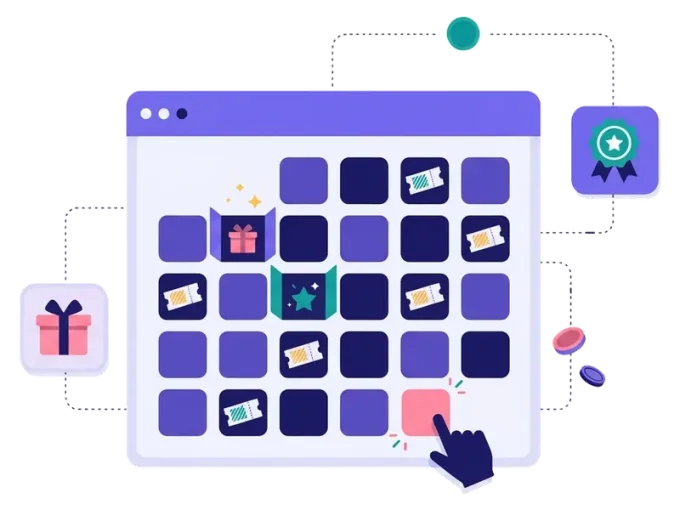
A gamified calendar for any time of year. You choose how many doors there are and when each one opens. Count down to a product launch, a birthday, a festival or a summer sale — with a new game, offer or surprise behind every door.

Used by brands like Burger King, Toyota and WWF

Burger King Starbucks Toyota POWER Sport24 Wolt WWF nemlig.com Skoringen Anthon Berg Change Lingerie Fleggaard Uno-X
About the format

About the campaign calendar

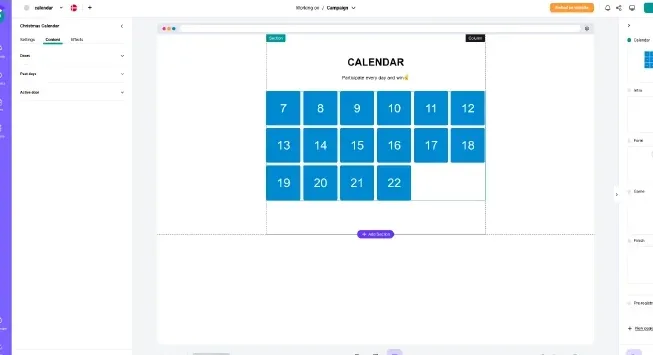
The campaign calendar works like a Christmas calendar, but on your terms. Pick any number of doors and give each one its own opening date — every day, every week or on dates that fit your plan. It's an interactive countdown that gives people a reason to come back again and again.

Put the same game behind every door or mix different games. Give out instant-win prizes along the way, run a prize draw at the end, or both. Style each door to fit your theme, and add effects like confetti, fireworks or snow.

  • Any number of doors with your own dates

  • Daily, weekly or one-off opening dates

  • Instant wins, prize draws or a grand prize at the end

  • Works for launches, birthdays, seasons and events

About the campaign calendar
Why a campaign calendar

Four reasons to use a campaign calendar

People come back

Every new door is a reason to visit you again — and another chance to show your products.

Your dates, your rules

Choose how long it runs and when each door opens. It doesn't have to be Christmas.

A list that grows

Ask for an email and newsletter permission on the first visit, and keep people engaged after that.

Builds excitement

A countdown makes people curious about what's next. Perfect before a big launch or opening.


How it works

Make your campaign calendar in four simple steps

1
Create your account

Sign up for free in under a minute. No credit card, nothing to install.

2
Find a template

Pick a ready-made campaign calendar template, or ask Rex, our AI assistant, to suggest one for your goal.

3
Design it with AI

Rex adds your logo, colours and fonts from your website and writes the texts. Adjust anything with drag and drop.

4
Share it

Publish it as a landing page, pop-up or embed, and let Rex write the posts for your social media.


More calendars

Other similar game concepts

Running a campaign over several days or weeks? These formats are made for it.

Ideas

Countdowns for every occasion

Count down to a launch

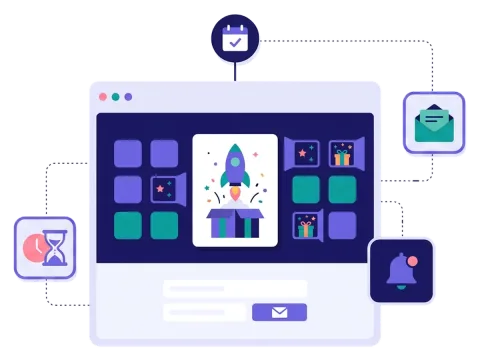
Reveal a little more of a new product every day, and let people sign up to hear first when it's out.

Read more: Count down to a launch

Celebrate your birthday

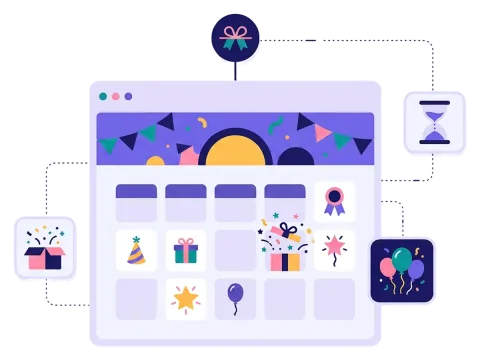
Turn your anniversary week into a celebration with a new prize every day for your customers.

Read more: Celebrate your birthday

Bring it to your store

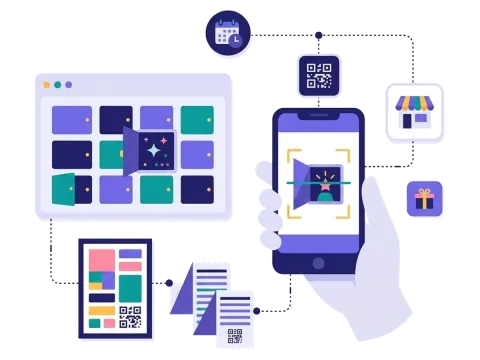
Put a QR code on posters and receipts, so shoppers open today's door right from their phone.

Read more: Bring it to your store


How a campaign calendar works

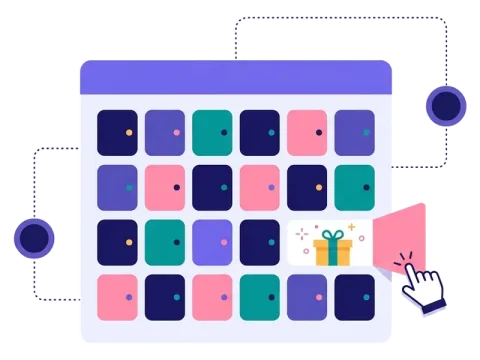
A campaign calendar is a page with a set of doors. Each door has its own opening date, and until that date it stays closed. When a door opens, people find a game, an offer or a prize draw behind it.

You decide everything: how many doors there are, when they open and what's behind them. Seven doors for a launch week, twelve doors for "12 days of summer", or one door every Friday for two months — it's up to you.

The first time people visit, they fill in a short form and accept your newsletter. After that, they come back to open the next door. Turn on auto-submit, and returning players don't need to fill in the form again, so playing takes one click.

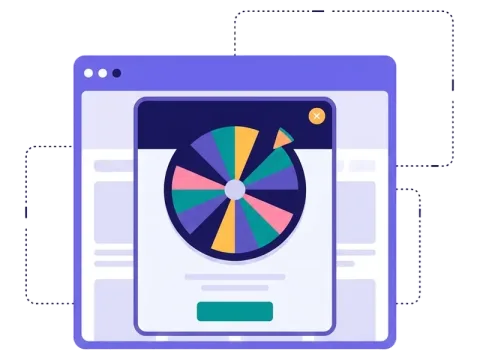
Behind the doors you can use any game you like. A scratch card or a spin the wheel is quick to play every day. A quiz is great when you want people to learn something about your brand along the way.

When to use a campaign calendar

A campaign calendar is the right choice whenever your campaign runs for more than a single day and you want people to keep coming back. It's a flexible way to build a story over time. Use it when you want to:

  • Build hype before a launch with teasers and sneak peeks.
  • Celebrate a birthday or anniversary with daily gifts for your customers.
  • Run a seasonal campaign for Easter, summer, back to school or Black Friday week.
  • Count down to an event, like a festival, a concert or a store opening.
  • Teach people something with a short lesson or tip behind each door.

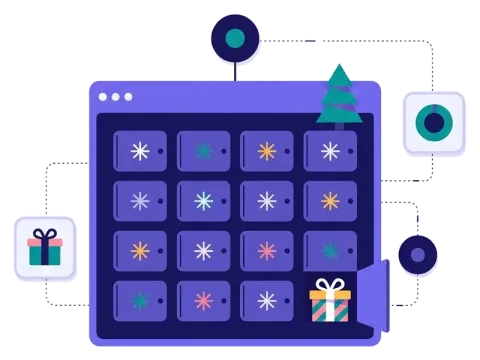
The format works for webshops, food and drink brands, travel and hotels, events, sports clubs, health brands and B2B companies. Planning a Christmas campaign? Then the Christmas calendar or the advent calendar are already set up for December.

6 ideas for your campaign calendar

  1. 12 days of summer: a new summer prize every day, from sunglasses to a weekend trip.
  2. Launch week: seven doors that each reveal one new feature of your product.
  3. Birthday week: one prize a day to thank your customers for another year.
  4. Black Friday countdown: a new deal every day in the week before Black Friday.
  5. Festival countdown: artist reveals and ticket prizes for every week until the gates open.
  6. Easter hunt: a new egg to open every day over Easter, with a prize inside.

Looking for dates to build on? Read our guide to planning marketing calendar events all year round, or get more inspiration on our campaign ideas page.

Tips for a campaign calendar that converts

Tip #1: Pick a length that fits your story

More doors isn't always better. A calendar that is too long can lose people along the way.

  • A week works well for launches and birthdays.
  • Two to four weeks work for seasons and countdowns.
  • Weekly doors are a good fit for longer periods.

Tip #2: Get people signed up before day one

The first door is often the busiest. Build up a list of people who are waiting for it.

  • Add a pre-registration page with a countdown.
  • Tell your newsletter subscribers what's coming.

Tip #3: Keep the games simple

The same game every day is easy to understand. If you mix games, make sure each one fits your goal.

  • Luck games for quick visits and many sign-ups.
  • Quizzes or skill games when you want people to spend more time with your brand.

Tip #4: Spread out the prizes

People come back when there's something to win. Mix small instant prizes with one bigger prize at the end, and set it all up once in prizes.

Tip #5: Remind people when a door opens

A short reminder is often all it takes. Send an email when a new door opens (from Scratcher with the Email module, or from your own email tool), show the calendar as a pop-up on your website and share it on social media.

When the calendar ends, send your new subscribers a welcome email, look at which doors and channels worked best, and use what you learned for your next campaign.

Questions

Questions about the campaign calendar

Book a meeting
  • You choose how many doors there are and the date each door opens. When a door opens, people find a game, an offer or a prize draw behind it.

  • Yes, that's what it's made for. Use it for launches, birthdays, seasons, events or any campaign that runs over several days or weeks. It's a special format, included on Professional or as an add-on.

  • Yes. You choose the prizes, how many there are and how often people can win. You can also run a prize draw when the calendar ends.

  • Yes. You style each door and the page with your own colours, fonts and pictures, and add effects like confetti or snow.

  • Yes. Scratcher is ISO 27001 certified and built for the GDPR. You decide what you ask for, write your own consent text and decide when the data is deleted.

Works with Shopify and Klaviyo

Send sign-ups to Klaviyo, HubSpot, Mailchimp and 17 other native integrations, and track orders and revenue in Shopify.

See integrations

From €399 a month

Billed monthly or yearly, same price. Try it free for 14 days, no credit card needed.

See pricing

Why not a free plugin?

A plugin gives you one wheel in one shop. Scratcher gives you 40+ formats for your site, emails, social media and stores, with consent, prize codes and results in one place.

For agencies

Agency mode: one login for every client, each with their own account, brand and results.

Scratcher for agencies