











Skip to content

Rex, your AI assistant: the busywork, handled. The ideas, yours 👉 Meet Rex

Leaderboard game
Campaign format

Leaderboard game

Add a leaderboard to a skill game and turn it into a competition. Players chase a high score, see how they rank against everyone else and come back to climb higher. It's a simple way to keep people playing — and talking about your brand.

Used by brands like Burger King, Toyota and WWF

Burger King Starbucks Toyota POWER Sport24 Wolt WWF nemlig.com Skoringen Anthon Berg Change Lingerie Fleggaard Uno-X
About the format

About the leaderboard game

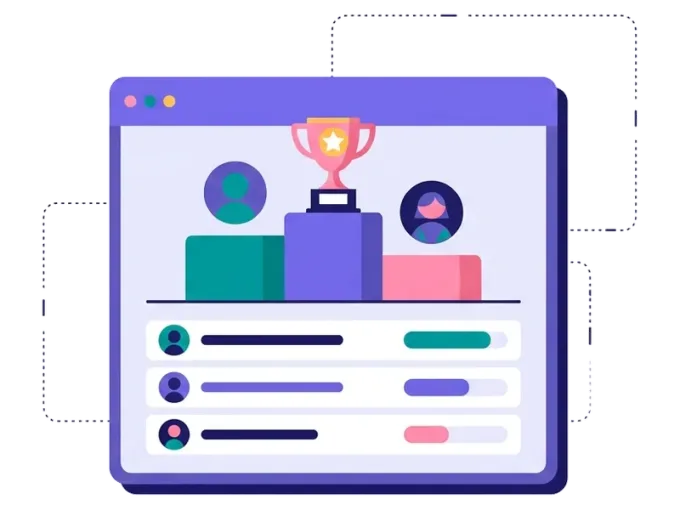
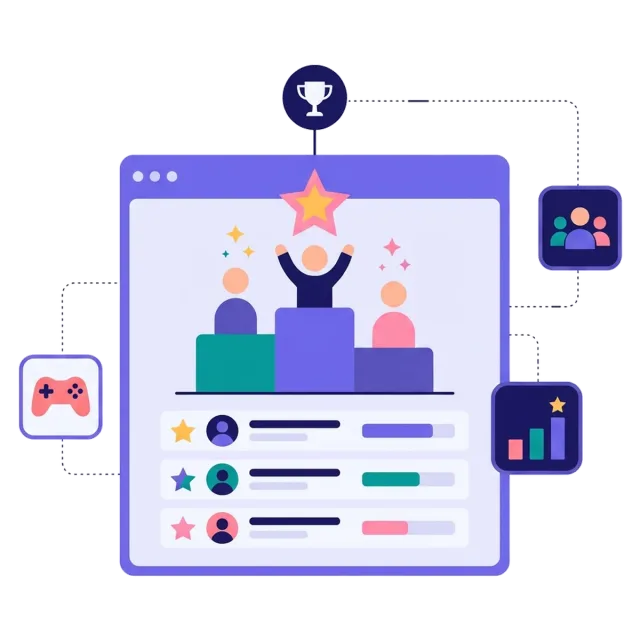
A leaderboard shows the best scores in your game, so every player can see where they rank. It turns a quick game into a high score competition: people want to beat their friends, beat their own score and reach the top of the list.

It works best with skill games, where the score depends on how well people play — like a drop game, a memory game or hit the target. Players sign up before they play, and when the competition ends, you see the ranking and reward the top players yourself.

  • A high score competition built on a skill game

  • Players see where they rank and try again to climb

  • See the ranking and reward the top players yourself

  • Great for events, sports and social media

About the leaderboard game
Why a leaderboard

Four reasons to add a leaderboard

More plays per person

People don't stop after one try. They come back to beat their score and climb the list.

More time with your brand

Skill games keep people busy with your brand for longer than a quick luck game.

Shared with friends

A high score is something people want to show off — and challenge their friends to beat.

Fair and exciting

You reward the best players. That feels fair, and it makes people try harder.


How it works

Make your leaderboard in four simple steps

1
Create your account

Sign up for free in under a minute. No credit card, nothing to install.

2
Find a template

Pick a ready-made leaderboard template, or ask Rex, our AI assistant, to suggest one for your goal.

3
Design it with AI

Rex adds your logo, colours and fonts from your website and writes the texts. Adjust anything with drag and drop.

4
Share it

Publish it as a landing page, pop-up or embed, and let Rex write the posts for your social media.


Skill games

Other similar game concepts

These skill games all give a score — perfect for a leaderboard.

Where it works

Where a leaderboard shines

On social media
On social media

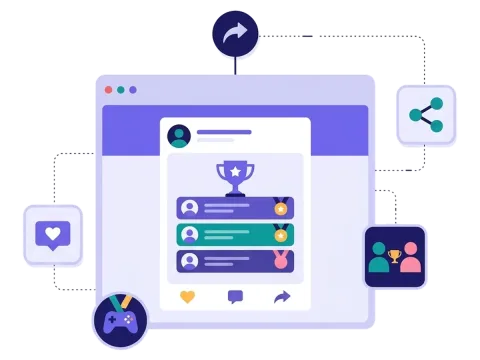
Share the game in a post and let your followers challenge each other for the top spot.

Read more: On social media

At events and in stores

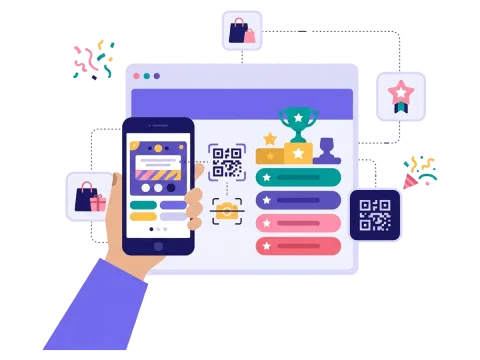
Let people scan a QR code and play on their phone while they wait — then show the best scores.

Read more: At events and in stores

Prizes for the best
Prizes for the best

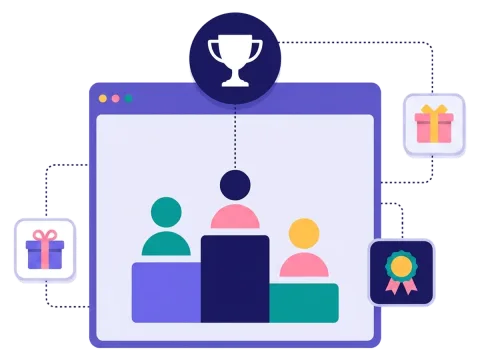
Decide what the top players win, from a free product to a big main prize, and pick the winners from the ranking.

Read more: Prizes for the best


How a leaderboard campaign works

A leaderboard campaign is a competition built on a skill game. People sign up, play the game and get a score. The leaderboard shows the best scores, so players can see where they rank and how far they are from the top.

The score is what makes it work. In a drop game, players catch falling items before the time runs out. In a memory game, they find the pairs as fast as they can. In hit the target, they aim for the bullseye. The better they play, the higher they climb — and most people want one more try.

When the competition ends, you see who is at the top and give them the prizes you have chosen. That's different from a luck game like a scratch card, where anybody can win on the first try. Both have their place: luck games are quick and get many sign-ups, while a leaderboard keeps people playing for longer.

When to use a leaderboard

A leaderboard is a great choice when you want people to spend time with your brand, not just a few seconds. Competition is a strong motivator, and a list of top scores makes your campaign something people talk about. Use it when you want to:

  • Get more plays per person and more time with your brand.
  • Create buzz on social media, where people share scores and challenge friends.
  • Liven up an event or a trade show stand.
  • Engage fans of a sports club or a game-loving audience.
  • Reach a younger audience that loves a challenge.

Leaderboards are popular with sports clubs, events, festivals, drinks and snack brands, gaming and entertainment, and retail brands that want a fun campaign for the summer or the holidays. At a stadium or a festival, showing the top scores on a big screen and giving the winners a shout-out adds even more excitement — read more in our article on gamification for sporting events. For summer ideas with a timer and a leaderboard, see what's hot in gamification this summer.

5 ideas for your leaderboard

  1. The summer challenge: a drop game where players catch ice creams and sunglasses, with a weekly prize for the top score.
  2. Half-time game: a quick skill game during a match, with prizes for the best fans.
  3. The trade show stand: a game on a tablet or big screen at your stand, with a prize for the best score of the day.
  4. Brand memory: a memory game with your products on the cards, so players learn your range while they play.
  5. Team battle: ask colleagues, schools or clubs to compete and see who ends up on top.

Tips for a leaderboard that converts

Tip #1: Choose a game that's easy to learn

People should understand the game in seconds. The challenge should be in getting a high score — not in understanding the rules.

  • Short games of under a minute work well.
  • Use your own products and pictures in the game.

Tip #2: Make the prizes clear

Tell people up front what the top players win and when the competition ends.

  • Show the prizes on the start page.
  • Think about a small prize for everyone who plays, so nobody leaves empty-handed.
  • Read more about prizes.

Tip #3: Keep it fair

A competition only works if people trust it.

  • Write clear rules and terms.
  • Decide how long the competition runs.
  • Ask for the details you need to contact the winners.

Tip #4: Give people a reason to come back

A leaderboard works best when people return to beat their score.

  • Send players a reminder email before the competition ends, from Scratcher (Email module) or your own email tool.
  • Share the current top scores on social media.
  • Run a new round each week to give new players a chance.

Tip #5: Collect sign-ups the right way

Ask for an email and newsletter permission before people play. Keep the form short, and send the sign-ups straight to your email tool with our integrations. Read more about how games help with lead generation.

A leaderboard turns a simple game into a competition people care about. Start with one skill game, add great prizes and see how high your players can go.
Questions

Questions about the leaderboard game

Book a meeting
  • People sign up and play a skill game that gives a score. The leaderboard shows the best scores, and when the competition ends, you reward the top players. The leaderboard is a special format, included on Professional or as an add-on.

  • Skill games where the score depends on how well people play, like a drop game, a memory game or hit the target.

  • Yes. You add your own logo, colours, pictures and products to the game and the page around it.

  • On its own landing page, as a pop-up on your website or embedded on any page. Share the link on social media, in your newsletter or with a QR code at your event.

  • Yes. Scratcher is ISO 27001 certified and built for the GDPR. You decide what you ask for, write your own consent text and decide when the data is deleted.

Works with Shopify and Klaviyo

Send sign-ups to Klaviyo, HubSpot, Mailchimp and 17 other native integrations, and track orders and revenue in Shopify.

See integrations

From €399 a month

Billed monthly or yearly, same price. Try it free for 14 days, no credit card needed.

See pricing

Why not a free plugin?

A plugin gives you one wheel in one shop. Scratcher gives you 40+ formats for your site, emails, social media and stores, with consent, prize codes and results in one place.

For agencies

Agency mode: one login for every client, each with their own account, brand and results.

Scratcher for agencies