














Skip to content

Rex, your AI assistant: the busywork, handled. The ideas, yours 👉 Meet Rex

Puzzle game
Skill game format

Puzzle game

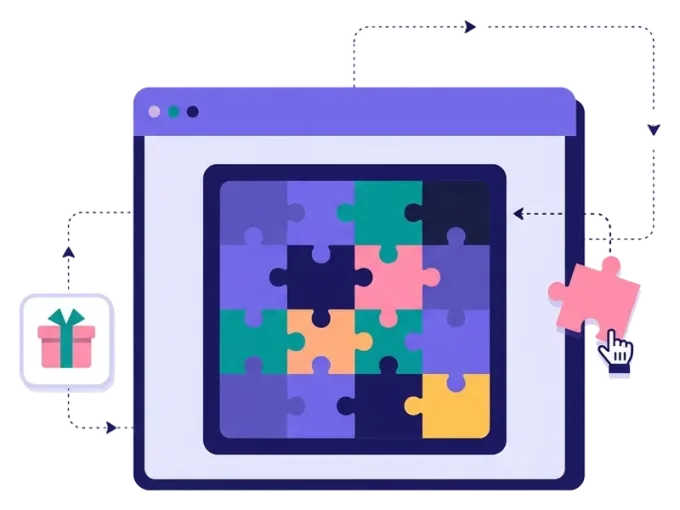
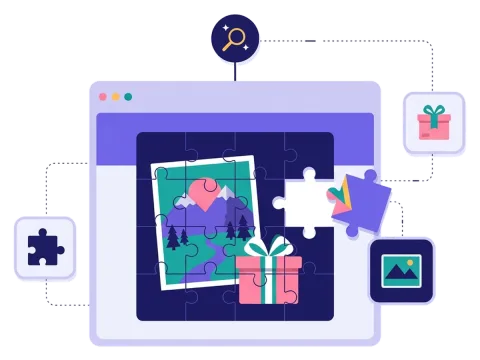
Turn your best picture into a game. In the puzzle game, the image is cut into pieces, and players move them back into place to see the full picture. This online jigsaw puzzle keeps people focused on your product for longer — and ends with a nice reveal and a chance to win.

Used by brands like Burger King, Toyota and WWF

Burger King Starbucks Toyota POWER Sport24 Wolt WWF nemlig.com Skoringen Anthon Berg Change Lingerie Fleggaard Uno-X
About the format

About the puzzle game

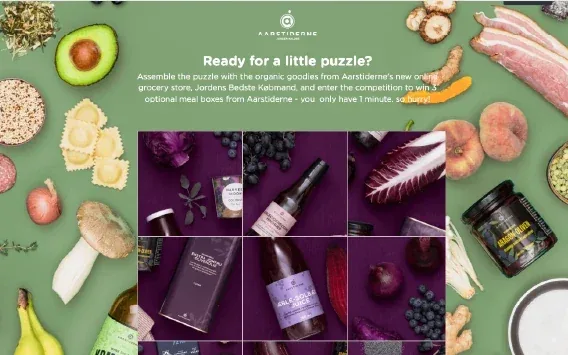
The puzzle game is a calm, focused skill game. You upload an image — a new product, a destination, a poster or a Christmas present — and Scratcher cuts it into pieces. Players swap the pieces around until they are in the right order. When the picture is complete, they see the full image and find out if they've won.

You choose the number of pieces, from 2 × 2 up to 6 × 6, so the puzzle can be quick on a phone or a bit harder for people who like a challenge. Add a timer or a maximum number of moves if you want to make it more exciting. Because people look at the picture the whole time, it's a great way to tease a launch or reveal a surprise.

  • Your own image as the puzzle

  • From 2 × 2 up to 6 × 6 pieces

  • Add a timer or a limit on moves

  • Show the full picture when it is solved

About the puzzle game

Harald Nyborg's puzzle game gave away a tool kit before the winter holidays

200,000

unique visitors

38,000

unique participants

18%

conversion rate


How it works

Make your puzzle game in four simple steps

1
Create your account

Sign up for free in under a minute. No credit card, nothing to install.

2
Find a template

Pick a ready-made puzzle game template, or ask Rex, our AI assistant, to suggest one for your goal.

3
Design it with AI

Rex adds your logo, colours and fonts from your website and writes the texts. Adjust anything with drag and drop.

4
Share it

Publish it as a landing page, pop-up or embed, and let Rex write the posts for your social media.


More skill games

Other similar game concepts

Like the puzzle game? These skill games also make people think.

Why a puzzle game

Why brands love the puzzle game

Reveal something new

Hide a new product, a destination or a poster in the puzzle, and let people put it together.

Read more: Reveal something new

Perfect for Christmas

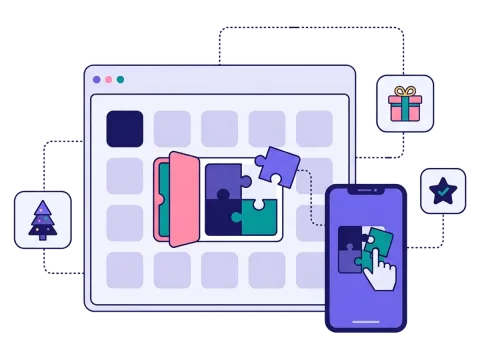
A puzzle makes a great door in a Christmas or advent calendar — a little challenge between the luck games.

Read more: Perfect for Christmas

Prizes people want
Prizes people want

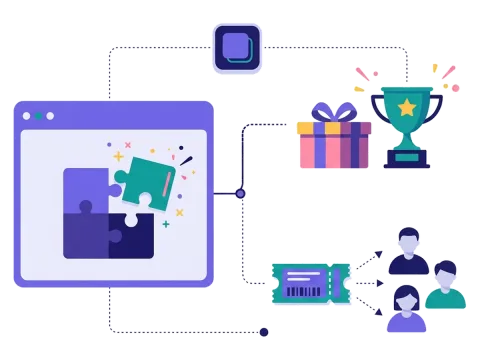
Give a discount code to everyone who solves it, or pick a winner of a big prize in a draw.

Read more: Prizes people want


How a puzzle game campaign works

A puzzle game starts with one picture. Scratcher cuts it into pieces and mixes them up. Players swap the pieces around until they are in the right places and the full picture appears. When it does, the game is solved, and players see the result.

In a campaign, people normally sign up before they play. They give their name and email, and perhaps a newsletter permission. Then they solve the puzzle. When they finish, they can win a prize right away, get a discount code or be entered into a draw. You choose what happens.

You also choose how hard it is. A puzzle with few pieces is quick and works well on a phone. More pieces, a timer or a limit on the number of moves make it harder. The picture, the colours and the texts all match your brand.

When to use a puzzle game

The puzzle game keeps people busy for a little while, and they look closely at your picture the whole time. It is a good choice when you want to:

  • Launch a product: let people put the new product together piece by piece.
  • Build excitement: hide a poster, a new collection or a surprise guest in the puzzle.
  • Collect leads with a big prize: Harald Nyborg gave away a tool kit with a puzzle game and reached 200,000 unique visitors. Read about it in Top 5 interactive lead generation campaigns.
  • Add variety to a calendar: a puzzle behind one door of a Christmas calendar gives people a break from the luck games.

Retail, DIY, travel, food and drink, entertainment and events can all use it well.

5 ideas for your puzzle game

  1. Unlock the discount: solve the puzzle to reveal a unique discount code for the seasonal sale.
  2. Find the new product: the finished picture shows your launch. Give out free samples to the winners.
  3. Dream destination: a travel brand hides a beach or a city in the puzzle and gives away a trip in a draw.
  4. Movie or line-up reveal: fans solve the puzzle to see a poster or the next artist before anyone else.
  5. Christmas present: a wrapped gift in red and gold, with a prize for everyone who finishes.

Tips for a puzzle game that converts

Tip #1: Pick a picture that is easy to recognise

A puzzle is only fun if people can tell where the pieces go.

  • Use a picture with clear shapes and strong colours.
  • Avoid large areas of the same colour, like a white sky.
  • Put the picture on the start page or in your newsletter first, so people already know what they are building.

Tip #2: Match the number of pieces to the screen

On a phone, fewer pieces work best. A 3 × 3 puzzle is quick and still satisfying. If most of your players use a computer, you can make it bigger. Not sure? Start small. It is better that everybody finishes and feels clever than that half of your players give up and never see the full picture or the prize.

Tip #3: Make the reveal part of the story

The moment the picture is complete is the best part of the game. Use it. Show the full image with a short text, a link to the product or a clear message about the prize.

Tip #4: Ask for sign-ups before the game

People are most curious before they start. Put a short form first, and only ask for what you need. Read more about lead generation with games.

Tip #5: Use prizes that fit the effort

A puzzle takes a little more work than a scratch card, so make the reward worth it. A small prize for everyone who solves it, plus a bigger prize in a draw, works well. Scratcher can handle the prizes for you.

Tip #6: Share it where people have time

A puzzle is perfect for newsletters, social media and evenings on the sofa. Send it to your list, post it on social media, and show it as a pop-up on your website.

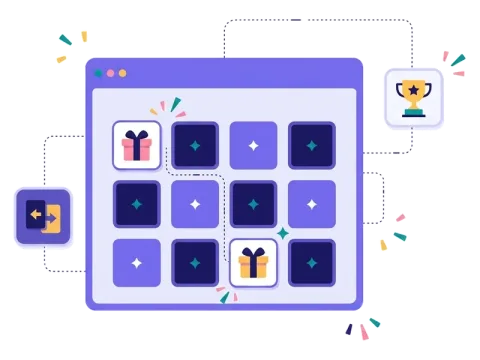
Like puzzles? Try the memory game for another calm challenge, or guess the word if your audience loves words.

Questions

Questions about the puzzle game

Book a meeting
  • Your picture is cut into pieces and mixed up. Players swap the pieces into place until the full picture appears, and then they see the result.

  • Yes. You choose the prizes and how many there are. You can give a prize to everyone who solves the puzzle, add a timer, or pick winners in a draw.

  • Yes. Upload any picture as the puzzle, and add your logo, colours and texts. You can also start from a template and change it in the editor.

  • On its own landing page, as a pop-up on your website or embedded on any page. You can also share it in newsletters, on social media or with a QR code.

  • Yes. You decide what you ask for in the form, add your own consent text and choose when the data is deleted. Scratcher is ISO 27001 certified.

Works with Shopify and Klaviyo

Send sign-ups to Klaviyo, HubSpot, Mailchimp and 17 other native integrations, and track orders and revenue in Shopify.

See integrations

From €399 a month

Billed monthly or yearly, same price. Try it free for 14 days, no credit card needed.

See pricing

Why not a free plugin?

A plugin gives you one wheel in one shop. Scratcher gives you 40+ formats for your site, emails, social media and stores, with consent, prize codes and results in one place.

For agencies

Agency mode: one login for every client, each with their own account, brand and results.

Scratcher for agencies