














Skip to content

Rex, your AI assistant: the busywork, handled. The ideas, yours 👉 Meet Rex

Rating game: fun customer feedback
Knowledge format

Rating game: fun customer feedback

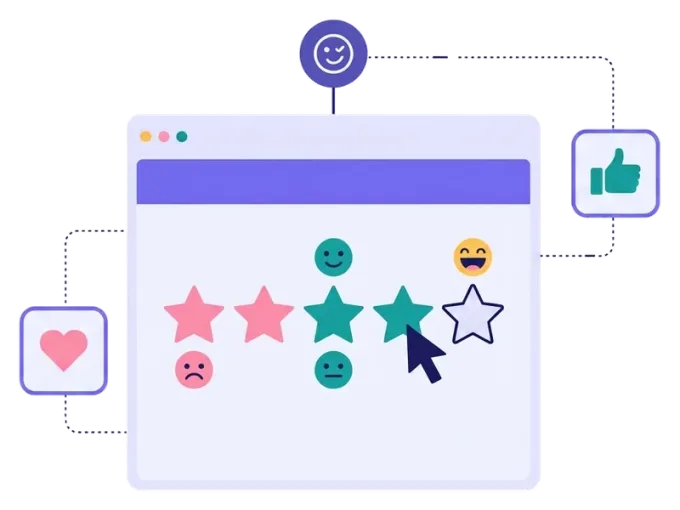
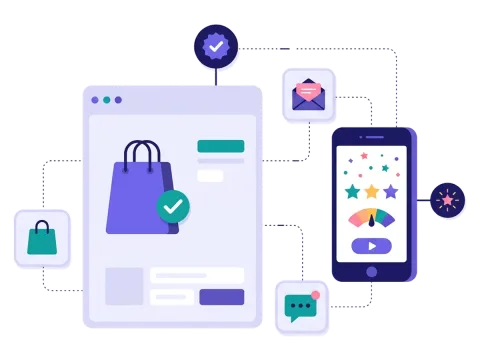
Let people rate your products, services or experiences with stars, emojis or your own icons. A rating game is the easiest way to collect a lot of feedback — and with a prize at the end, people are happy to take part.

Used by brands like Burger King, Toyota and WWF

Burger King Starbucks Toyota POWER Sport24 Wolt WWF nemlig.com Skoringen Anthon Berg Change Lingerie Fleggaard Uno-X
About the format

About the rating game

The rating game turns customer feedback into a quick, friendly game. People see a product, a dish or an experience and give it a score with one tap. It takes seconds, so you get many more answers than with a long feedback form.

You choose the icons and the scale, and you can upload your own icons to match your brand. Send people to different pages depending on their answers, and say thank you with a prize or a discount.

  • Rate with stars, emojis or your own icons

  • A scale of 3 to 10 steps

  • Different pages depending on the answers

  • Reward people with a prize or a discount

About the rating game
Why a rating game

Why use a rating game

One tap per answer

Rating is quick and familiar, so many people finish.

Honest feedback

Find out what people really think of your products and service.

A thank-you prize

Reward people for their time with a discount or a prize draw.

Sign-ups included

Ask for an email and newsletter permission while people rate.


How it works

Make your rating game in four simple steps

1
Create your account

Sign up for free in under a minute. No credit card, nothing to install.

2
Find a template

Pick a ready-made rating game template, or ask Rex, our AI assistant, to suggest one for your goal.

3
Design it with AI

Rex adds your logo, colours and fonts from your website and writes the texts. Adjust anything with drag and drop.

4
Share it

Publish it as a landing page, pop-up or embed, and let Rex write the posts for your social media.


More knowledge formats

Other similar game concepts

Like the rating game? These knowledge formats also tell you what people think.

Where it works

Great ways to use a rating game

Right after the purchase

Send the rating game by email or SMS while the experience is fresh.

Read more: Right after the purchase

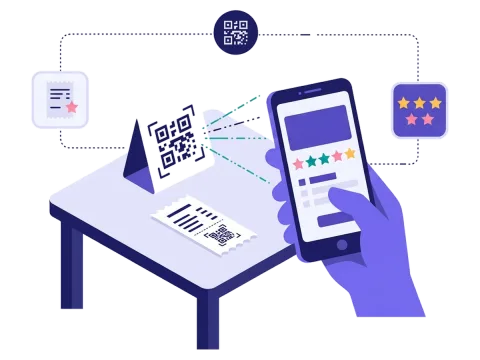
On the table or the receipt

Put a QR code where people are, and let them rate from their phones.

Read more: On the table or the receipt

See the ratings come in

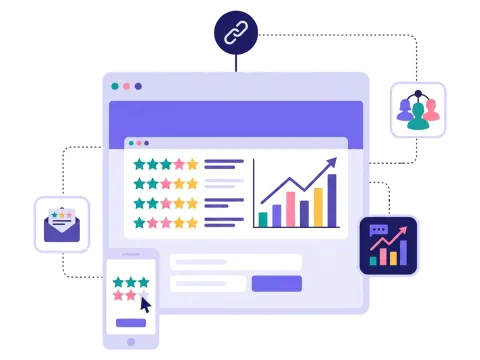
Follow the scores in near real time and share them with your team.

Read more: See the ratings come in


How a rating campaign works

A rating game asks people to give a score to products, services or experiences — with stars, emojis or your own icons. It's the quickest kind of feedback there is: one tap per item, and people know exactly what to do.

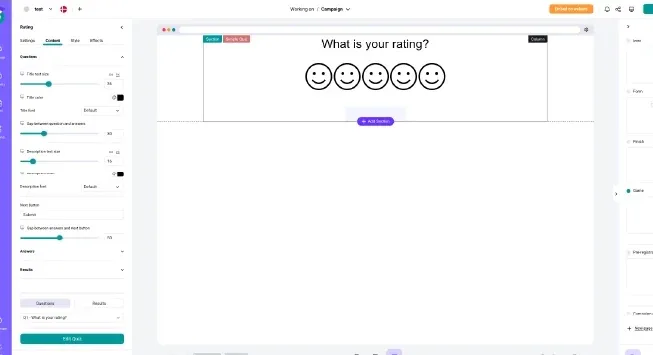
In Scratcher you choose the icons and the size of the scale, from 3 to 10 steps, for example one to five stars or one to ten. You can upload your own icons for the selected and unselected state, so the rating fits your brand perfectly. Depending on the answers, people can be sent to different result or finish pages, and you can reward everyone who takes part with a prize or a discount.

Add a short sign-up form, and a simple feedback request becomes a campaign that grows your list too.

When to use a rating game

A rating game is the right choice when you want a lot of feedback with very little effort from your customers.

  • Retail and e-commerce: let customers rate products, collections or their shopping experience.
  • Restaurants and food brands: let guests rate dishes, drinks or a new menu item.
  • Hotels and travel: collect ratings of rooms, facilities and activities.
  • Events and entertainment: ask the audience to rate the show, the speakers or the venue.
  • Product tests: ask people who tried a sample to rate taste, look and value. It's a great follow-up after a product sampling campaign. When nemlig.com followed up free samples of a new product with a short interactive survey, more than 35% of the shoppers answered. Read the full story in our nemlig.com case.

6 ideas for your rating game

  1. "Rate the new collection." Show new products and let people give them stars before you decide what to stock up on.
  2. "How was your visit?" Send a rating game after a store visit, a stay or an event — with a small thank-you prize.
  3. "Taste test." Let people who tried a sample rate it from one to five.
  4. "Rate the menu." Ask guests to rate this season's dishes and bring back the favourites.
  5. "Emoji check." Ask people how they feel about a topic with a scale of emojis.
  6. "Rate the trends." Show this season's trends and let people rate them — then share the results.

Tips for a rating game that converts

Tip #1: Keep the scale simple

The easier the scale, the more answers you get.

  • Five stars is familiar to everyone.
  • Use emojis when you ask about feelings.
  • Use the same scale for every item, so answers are easy to compare.

Tip #2: Rate a few things, not everything

Five to ten items is plenty. If you have more, split them into several campaigns, or use swipe it for a quick yes or no on many items.

Tip #3: Say thank you with a prize

Feedback is a favour. A small discount for everyone, or a prize draw among the players, shows that you value people's time. Set it up once with prizes on autopilot.

Tip #4: Ask at the right time

Ratings are most honest right after the experience.

  • Send the rating game by email or SMS shortly after a purchase or a visit. Read more about newsletter and SMS campaigns.
  • Put a QR code on the receipt, the table or the packaging. See how QR codes work.

Tip #5: Follow up on the answers

Use the answers to start a conversation.

  • Send happy customers a link to share a review or buy again.
  • Send less happy customers a personal message and fix the problem.
  • Send the ratings to your CRM with our integrations.

Tip #6: Look at the results together

Follow the ratings in near real time in your campaign statistics and share them with the team that makes the products. Real ratings from real customers are a strong reason to change — or keep — what you do.

Make your first rating game

Pick a template, add the items you want rated and choose your icons. If you need more than ratings, a survey lets you mix ratings with other questions. And if you want people to choose between two options, try a product battle.

Questions

Questions about the rating game

Book a meeting
  • People see a product, service or experience and give it a score with stars, emojis or icons. At the end they can see a thank-you page and win a prize.

  • Yes. Choose stars or emojis, or upload your own icons for both the selected and unselected state. You also choose how many steps the scale has, from 3 to 10.

  • Yes. You can give everyone a discount at the end, give out instant wins or draw winners among the players.

  • Yes. Add your logo, colours, fonts and pictures, so the rating game looks like your brand.

  • Yes. You decide which data you collect and which permissions you ask for. Scratcher is ISO 27001 certified and built to help you follow GDPR.

Works with Shopify and Klaviyo

Send sign-ups to Klaviyo, HubSpot, Mailchimp and 17 other native integrations, and track orders and revenue in Shopify.

See integrations

From €399 a month

Billed monthly or yearly, same price. Try it free for 14 days, no credit card needed.

See pricing

Why not a free plugin?

A plugin gives you one wheel in one shop. Scratcher gives you 40+ formats for your site, emails, social media and stores, with consent, prize codes and results in one place.

For agencies

Agency mode: one login for every client, each with their own account, brand and results.

Scratcher for agencies