











How a survey campaign works
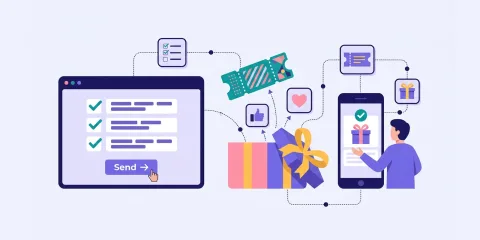
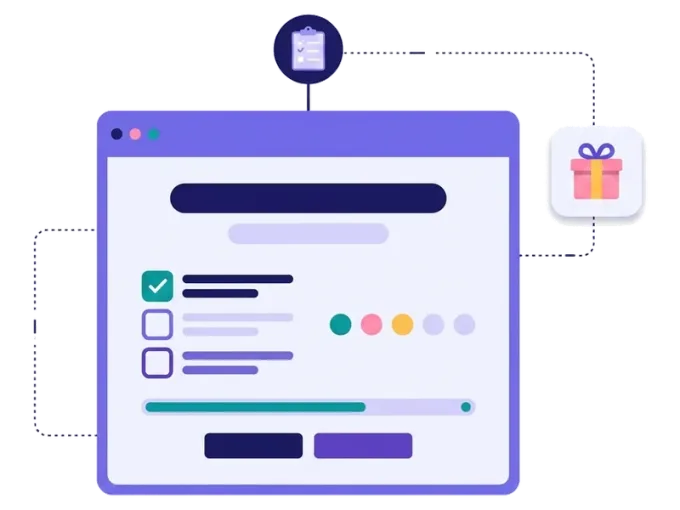
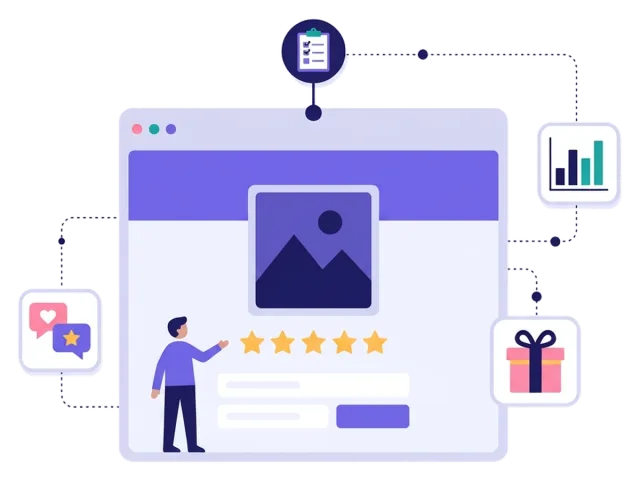
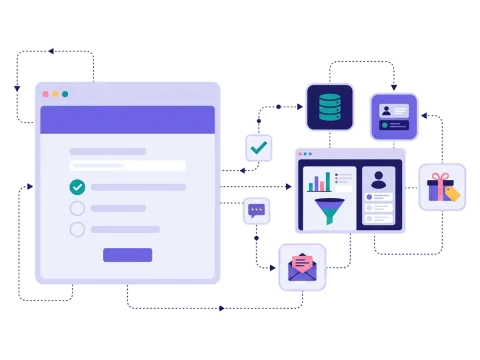
An interactive survey asks people a handful of questions about their experience, their needs or their opinions. Unlike a long, grey feedback form, it shows one question at a time, uses pictures and your brand, and often ends with a prize. It feels more like a game than a chore — and that's why more people finish it.
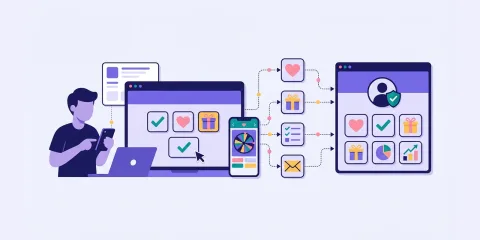
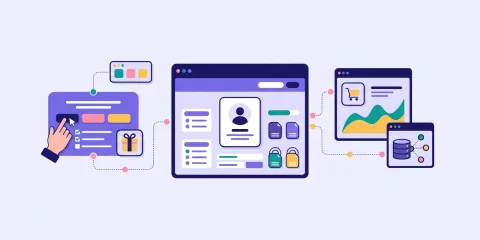
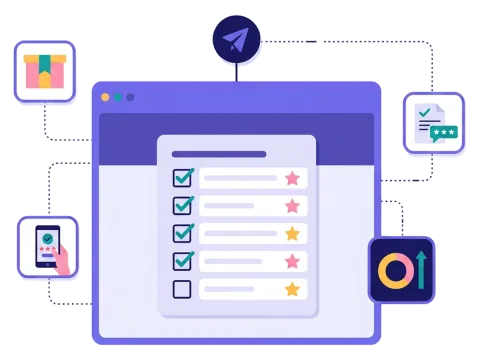
In Scratcher you can mix question types with text, pictures and video, and let people answer with set options, pictures, a text field or a rating. You can ask for a sign-up, add a prize draw for everyone who answers and follow the answers in near real time. When the survey ends, export the results or send them straight to your own systems.
When to use a survey
A survey is the right choice when you need real answers from real customers — and want a lot of them.
- Product launches: ask people what they think right after they tried a new product. nemlig.com did exactly that with free samples and got a response rate above 35%.
- Customer insight: find out what your customers need, so your next campaign hits the mark.
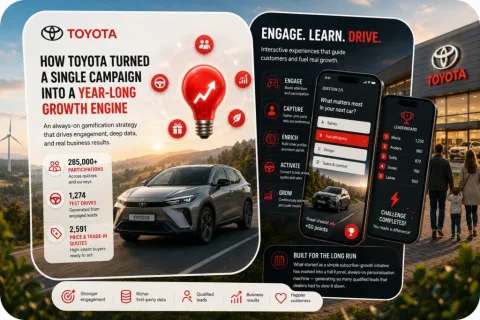
- Lead qualification: ask a few questions about plans and needs, so sales knows who to call first. Toyota Denmark asks about car ownership and buying plans, and 22,352 people completed its final survey.
- Customer satisfaction: check in after a purchase, a visit or a delivery.
- Employees and partners: run internal surveys that people actually finish.
6 ideas for your survey
- The product test. Send a short survey a week after people tried a sample, with a prize draw as a thank-you.
- "Help us get better." Ask customers what they love and what they miss — and enter them in a prize draw.
- The needs check. Ask about plans, budgets and timing, and follow up with the right offer.
- The "know your fans" survey. Ask your followers what content, events or products they want next.
- The end-of-season survey. Ask members, players or guests how the season went.
- The survey in a calendar. Put one question behind each door of a campaign calendar and build a profile day by day.
Tips for a survey that people finish
Tip #1: Ask only what you will use
Every question should have a purpose.
- Five to ten questions is usually plenty — nemlig.com used five.
- Remove "nice to know" questions.
- Put the most important question first.
- Make most questions quick to answer, and keep open text fields for the one or two things you really want to hear in people's own words.
Tip #2: Make it feel like a game
The way you ask matters as much as what you ask.
- Show one question at a time, so the survey never looks long.
- Use pictures as answers where you can.
- Mix in a rating game style question with stars or emojis.
Tip #3: Say thank you with a prize
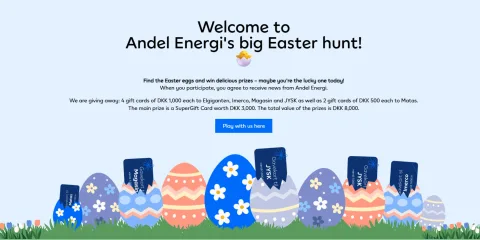
A prize draw or a small discount shows that you value people's time and gives them a reason to start. Andel Energi saw three times as many people answer its customer survey when it was part of a more engaging experience. Read more about prizes.
Tip #4: Send it at the right moment
Answers are most honest while the experience is fresh.
- Send the survey by email or SMS shortly after a purchase, a delivery or an event. See newsletter and SMS campaigns.
- Put a QR code on the receipt, the packaging or the table. See how QR codes work.
Tip #5: Act on the answers
A survey is only worth something if you use it.
- Send the answers to your CRM or email tool with our integrations.
- Follow up with offers that match what people told you.
- Share the most interesting results with your team — and with your customers.
Make your first survey
Start from a template, write your questions and add a prize. If you only need one quick question, try an online poll. If you want to test what people know, a quiz is a better fit. Read the full story of how nemlig.com uses interactive surveys.