














Skip to content

Rex, your AI assistant: the busywork, handled. The ideas, yours 👉 Meet Rex

Swipe it: the swipe game for your products
Knowledge format

Swipe it: the swipe game for your products

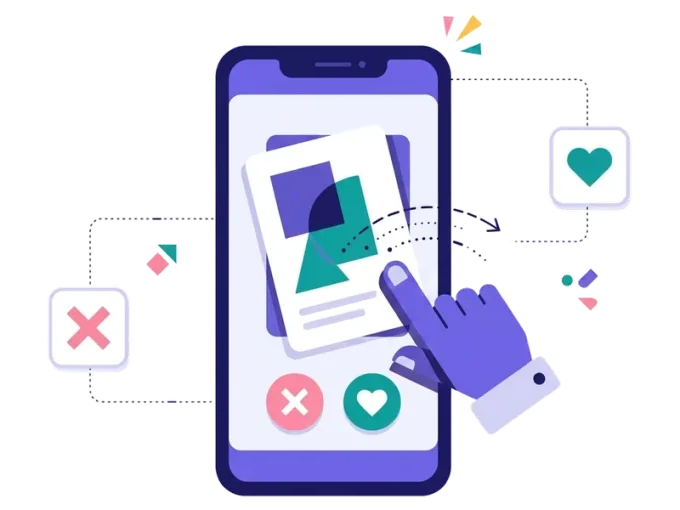
Like or skip? Swipe it lets people swipe through your products, ideas or statements — just like a dating app. It's fast, fun and made for phones, and every swipe tells you what your customers really like.

Used by brands like Burger King, Toyota and WWF

Burger King Starbucks Toyota POWER Sport24 Wolt WWF nemlig.com Skoringen Anthon Berg Change Lingerie Fleggaard Uno-X
About the format

About swipe it

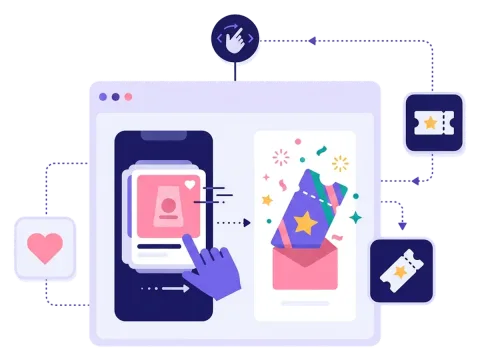
Swipe it is a product swipe game. People see one card at a time and swipe right for yes and left for no. Everybody knows how it works, so it's quick to start and easy to finish.

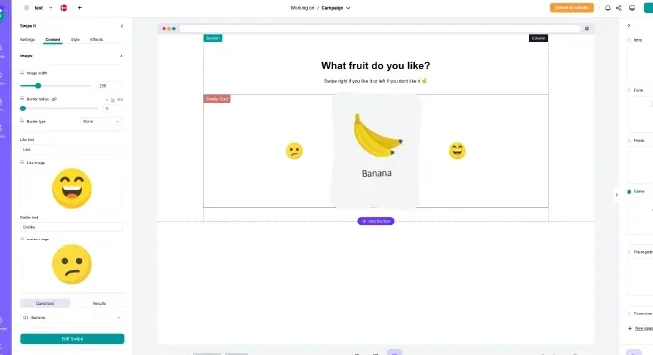
Fill the cards with your own pictures, text and icons, and decide what happens at the end: show people their favourites, give them a prize or send them on to the products they liked. With a short sign-up form at the start, every swipe becomes insight you can use in your marketing.

  • Swipe right to like, left to skip

  • Your own pictures, text and icons on each card

  • Show favourites, prizes or a page at the end

  • Made for phones, works on computers too

About swipe it
Why swipe it

Why use a swipe game

Everybody knows it

Swiping is second nature on a phone, so nobody needs instructions.

Fast and fun

People get through a whole deck in under a minute — and often play again.

Learn what people like

Every swipe is an honest answer about taste and style.

Guide people to buy

Show the favourites at the end, with a link and a discount.


How it works

Make your swipe it in four simple steps

1
Create your account

Sign up for free in under a minute. No credit card, nothing to install.

2
Find a template

Pick a ready-made swipe it template, or ask Rex, our AI assistant, to suggest one for your goal.

3
Design it with AI

Rex adds your logo, colours and fonts from your website and writes the texts. Adjust anything with drag and drop.

4
Share it

Publish it as a landing page, pop-up or embed, and let Rex write the posts for your social media.


More knowledge formats

Other similar game concepts

Like swipe it? These knowledge formats also show you what people prefer.

Where it works

Great ways to use swipe it

Favourites with a discount

Let shoppers swipe through new products and reward them with a discount at the end.

Read more: Favourites with a discount

Personal follow-up emails

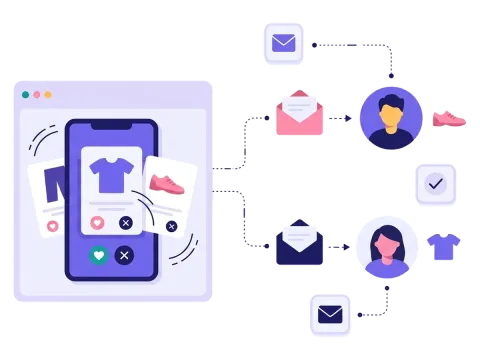
Send each person the styles and products they liked, and make your newsletter more relevant.

Read more: Personal follow-up emails

Made for social media

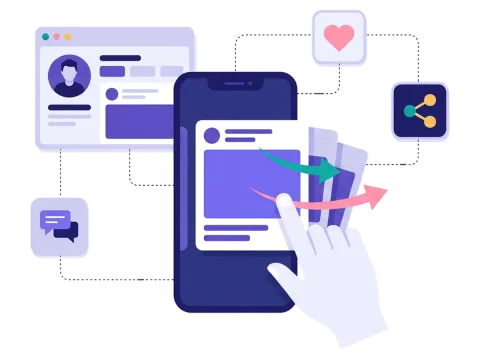
Swiping feels natural on a phone, which makes it a great fit for social media traffic.

Read more: Made for social media


How a swipe it campaign works

Swipe it works just like a dating app. People see one card at a time — a product, an outfit, a dish or a statement — and swipe right if they like it or left if they don't. It's fast, it feels natural on a phone and nobody needs instructions.

In Scratcher you fill the cards with your own pictures, text and icons, and choose the size, layout and background. The swipes can decide what happens next: show the favourites at the end, give a prize, or send people on to a page that fits their choices. Ask for a sign-up before people start, and every swipe becomes useful insight about what each person likes.

When to use swipe it

Swipe it is the right choice when you want to learn what people like without asking them to fill in anything. Every swipe is a small, honest answer.

  • Fashion and retail: let shoppers swipe through new pieces and collect their favourites.
  • E-commerce: show the top picks at the end with a discount code to use right away.
  • Food and drink: let people swipe through dishes, flavours or menu ideas.
  • Product development: test which designs, names or packaging people like best.
  • Health and lifestyle: let people swipe through habits or tips and get advice that fits.

7 ideas for your swipe it campaign

  1. "Summer favourites." Show the new season's products and give a discount on the ones people like.
  2. "Build your wishlist." Let people swipe through gift ideas before Christmas and send them their list.
  3. "Hot or not?" Test new designs, colours or patterns before you produce them.
  4. "Dinner tonight?" Swipe through recipes and get the ingredients for the winners.
  5. "Myth or fact?" Swipe right for true and left for false — a quick quiz in disguise.
  6. "Find your match." Swipe through rescue animals, holiday homes or courses.
  7. "What's your style?" Use the swipes to find people's style, like a personality test.

Tips for a swipe it campaign that converts

Tip #1: Use great pictures

The picture does all the work in a swipe game.

  • Use clear, bright pictures in the same style.
  • Show one thing per card, so the choice is easy.
  • Add a short text only when the picture needs it.
  • Check the cards on a small phone screen before you go live.

Tip #2: Keep the deck short

Ten to fifteen cards is usually enough. People should finish before they get tired — and want to play again.

  • Start with your strongest products to get people hooked.
  • Mix well-known favourites with new items you want to test.
  • Change the deck with the seasons, so returning players see something new.

Tip #3: Show the favourites at the end

The end is the most exciting part.

  • Show the products people liked, with a link to each one.
  • Add a discount code to give them a reason to buy now.
  • Tell people they will get their favourites by email, so signing up makes sense.

Tip #4: Use the swipes in your follow-up

Each swipe tells you something. Send the data to your email tool with our integrations, and recommend the styles and products people liked in your newsletter. It's guided selling made fun — read more in our guide to guided selling with gamification.

Tip #5: Add a prize

A prize draw for everyone who finishes, or a small discount for all players, gives people one more reason to sign up. See how prizes work in Scratcher.

Tip #6: Put it where people swipe anyway

Swipe it is made for phones, so think mobile first. Share it on social media, send it in your newsletter or show it as a pop-up on your website when people browse your products.

Make your first swipe it campaign

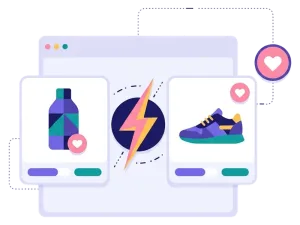
Pick a template, upload your pictures and decide what happens at the end. You don't need a designer or a developer, and Rex, our AI assistant, is ready to help with the text. Want to compare two options at a time instead? Try a product battle. Or let people score each item on a scale with a rating game.

Questions

Questions about swipe it

Book a meeting
  • People see one card at a time and swipe right if they like it or left if they don't. At the end you can show their favourites, a prize or a page of your choice.

  • Your own pictures, text and icons, or products from your product catalog. Most brands use products, but you can also use dishes, designs, ideas or statements.

  • Yes. You can give everyone a discount at the end, give out instant wins or draw winners among the players.

  • Yes. Add your logo, colours, fonts and backgrounds, and choose the size and layout of the cards.

  • Yes. You decide which data you collect and which permissions you ask for. Scratcher is ISO 27001 certified and built to help you follow GDPR.

Works with Shopify and Klaviyo

Send sign-ups to Klaviyo, HubSpot, Mailchimp and 17 other native integrations, and track orders and revenue in Shopify.

See integrations

From €399 a month

Billed monthly or yearly, same price. Try it free for 14 days, no credit card needed.

See pricing

Why not a free plugin?

A plugin gives you one wheel in one shop. Scratcher gives you 40+ formats for your site, emails, social media and stores, with consent, prize codes and results in one place.

For agencies

Agency mode: one login for every client, each with their own account, brand and results.

Scratcher for agencies