













Skip to content

Rex, your AI assistant: the busywork, handled. The ideas, yours 👉 Meet Rex

Video quiz: questions that bring your videos to life
Knowledge format

Video quiz: questions that bring your videos to life

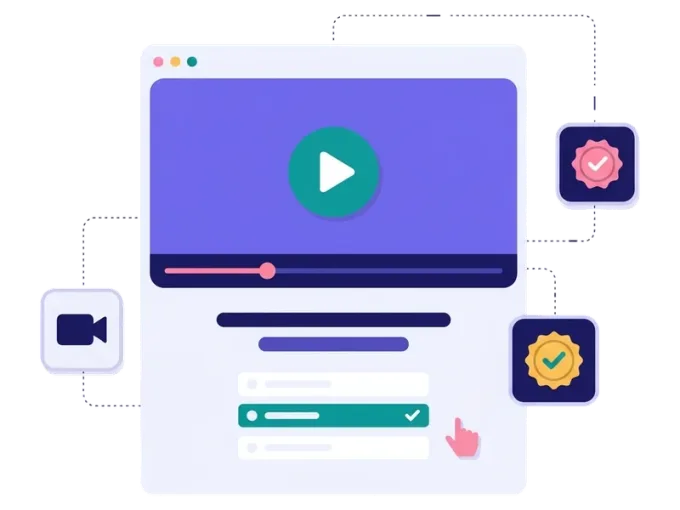
Turn your videos into a game. People watch short clips, answer questions about them and get a chance to win. A video quiz keeps people watching, helps them remember your message and collects sign-ups along the way.

Used by brands like Burger King, Toyota and WWF

Burger King Starbucks Toyota POWER Sport24 Wolt WWF nemlig.com Skoringen Anthon Berg Change Lingerie Fleggaard Uno-X
About the format

About the video quiz

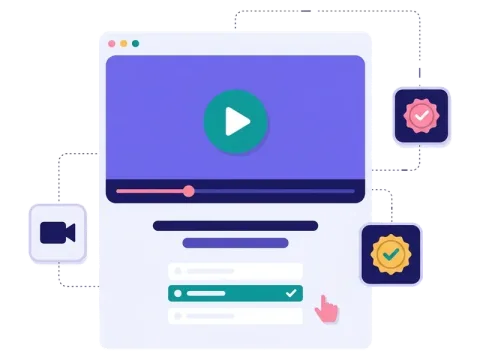
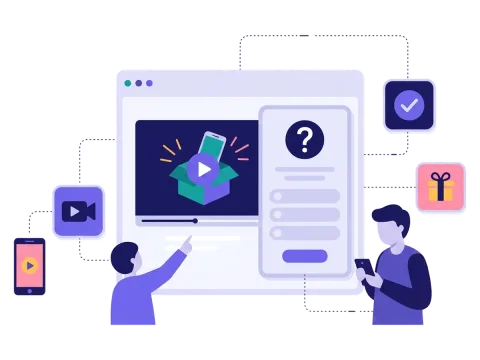
The video quiz is an interactive video experience: a quiz where the questions are built around your own videos. People watch, answer and see their score or result at the end. Because they want to get it right, they pay much more attention than when they just scroll past a clip.

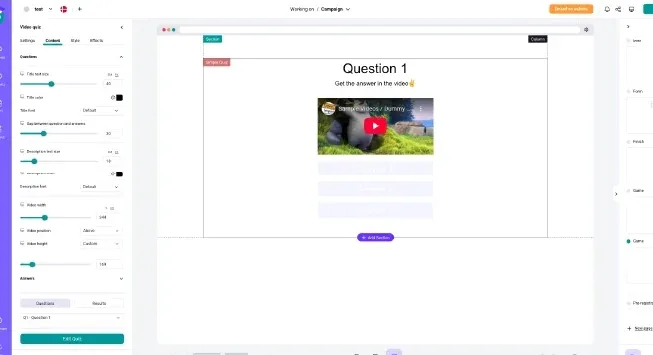
Add a YouTube or Vimeo link or upload your own video to any question, mix it with text and picture questions, and make every screen look like your brand.

  • Videos from YouTube, Vimeo or your own upload

  • Multiple choice, text answers or ratings

  • Points and personal result pages

  • Prize draw or instant win when people finish

About the video quiz
Why a video quiz

Why use a video quiz

People actually watch

A question after the clip gives people a reason to watch to the end.

They remember more

Answering a question helps people remember what they just saw.

You get sign-ups

Ask for an email and newsletter permission before or after the quiz.

Reuse your videos

Give clips from social media, product pages and events a second life.


How it works

Make your video quiz in four simple steps

1
Create your account

Sign up for free in under a minute. No credit card, nothing to install.

2
Find a template

Pick a ready-made video quiz template, or ask Rex, our AI assistant, to suggest one for your goal.

3
Design it with AI

Rex adds your logo, colours and fonts from your website and writes the texts. Adjust anything with drag and drop.

4
Share it

Publish it as a landing page, pop-up or embed, and let Rex write the posts for your social media.


More knowledge formats

Other similar game concepts

Like the video quiz? These knowledge formats also turn questions into sign-ups.

Where it works

Great ways to use a video quiz

Launch a new product

Show the product in action and ask people what they noticed. They learn while they play.

Read more: Launch a new product

Share it on social media

Post a short teaser and link to the quiz. Video works well on every social channel.

Read more: Share it on social media

Reward the players
Reward the players

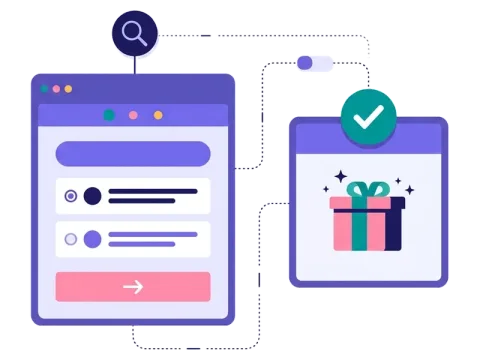
Give out discount codes right away or draw a winner when the quiz ends.

Read more: Reward the players


How a video quiz campaign works

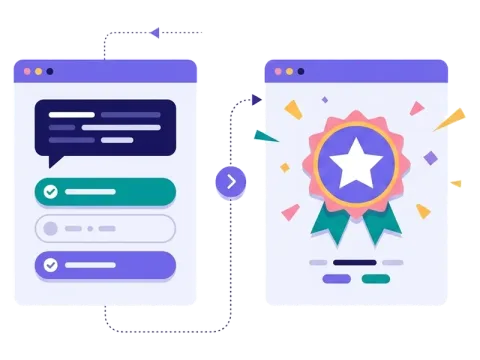
A video quiz mixes short videos with questions. People watch a clip and then answer a question about it, or they see a video as part of the question itself. At the end they get a score or a result, and they can win a prize.

In Scratcher you add a video to a question with a YouTube or Vimeo link or your own video URL. The answers work just like in a regular quiz: multiple choice, a text field or a rating. You can give points for each answer and show different result pages depending on how people did.

You decide how people move through the quiz. Show next and back buttons, give feedback after each answer and show a progress bar, so people always know how far they have come.

When to use a video quiz

A video quiz is the right choice when you already have video content and want people to actually pay attention to it. Instead of just pressing play, people watch with a purpose: they want to get the next answer right.

  • Product launches: show the new product in a short clip, then ask what people noticed.
  • Training and onboarding: turn short how-to videos into a fun check of what people learned.
  • Brand storytelling: share the story behind your brand and test what stuck.
  • NGOs and causes: show your work in the field and ask people about it. It's an easy way to explain a difficult topic.
  • Sport and entertainment: use match highlights, trailers or behind-the-scenes clips as questions.

6 ideas for your video quiz

  1. "Did you spot it?" Show a short clip and ask about a small detail.
  2. The product demo quiz. Show how a product works, then ask which feature solves which problem.
  3. The recipe quiz. Show a cooking clip and let people guess the missing ingredient.
  4. The highlight quiz. Use match or event highlights and ask what happened next.
  5. The behind-the-scenes quiz. Show how your product is made and ask about the process.
  6. The advent video quiz. Put one short video and one question behind each door of a Christmas calendar.

Tips for a video quiz that converts

Tip #1: Keep the videos short

People play on their phones, often on the go.

  • Aim for clips of well under a minute.
  • Make sure the video makes sense without sound, or add subtitles.
  • Put the most important moment early in the clip.

Tip #2: Ask about what people just saw

The question should reward people who watched.

  • Ask about something clearly shown in the video.
  • Avoid trick questions that make people feel cheated.
  • Show the right answer afterwards, so people learn something either way.

Tip #3: Mix video with other questions

Not every question needs a video. A mix keeps the pace up.

  • Start with a video to get people hooked.
  • Add a few quick text or picture questions in between.
  • End with a question that tells you something useful, like which product people are most interested in.

Tip #4: Give people a reason to start

A good prize is often what gets people to press play.

  • Use a prize draw for one big prize, or give everyone a small discount when they finish.
  • Make the prize visible on the first screen.
  • Let prize handling on autopilot send out codes and pick winners.

Tip #5: Share it where your videos already live

Tip #6: Use the answers afterwards

Send the answers and sign-ups to your email or CRM tool with our integrations, and follow up with content that matches each person's result.

Make your first video quiz

You don't need to make new videos. Most brands already have clips from social media, product pages or events. Pick a template, add your videos and questions, and you are ready. If you want a quiz without video, take a look at the personality test or the survey.

Questions

Questions about the video quiz

Book a meeting
  • People watch a short video and answer a question about it, one step at a time. At the end they see their score or a personal result and can win a prize.

  • You can add videos from YouTube or Vimeo or upload your own video. Mix video questions with text and picture questions as you like.

  • Yes. You choose the prizes, how many there are and whether they are given out as instant wins or in a prize draw when the quiz ends.

  • Yes. Add your logo, colours, fonts and pictures, so every screen looks like your brand.

  • On its own landing page, as a pop-up on your website or embedded on any page. You can also share the link in newsletters, on social media or with a QR code.

Works with Shopify and Klaviyo

Send sign-ups to Klaviyo, HubSpot, Mailchimp and 17 other native integrations, and track orders and revenue in Shopify.

See integrations

From €399 a month

Billed monthly or yearly, same price. Try it free for 14 days, no credit card needed.

See pricing

Why not a free plugin?

A plugin gives you one wheel in one shop. Scratcher gives you 40+ formats for your site, emails, social media and stores, with consent, prize codes and results in one place.

For agencies

Agency mode: one login for every client, each with their own account, brand and results.

Scratcher for agencies