



Gamification in Email Marketing
You've probably heard of gamification, but how can you use it in your email marketing? Here are formats, examples and practical t…
Build your campaign
Share it anywhere
Get results
Industries
ActiveCampaign integration
Run a quiz, a spin to win or a personality test with Scratcher. Everyone who signs up is added to your ActiveCampaign list, with the tags and custom fields you choose.
Used by brands like Burger King, Toyota and WWF














Use cases
Give everyone who takes the test a tag, send their answers to custom fields, and let the tag start an automation.
Put a wheel on your site as a game pop-up. Players join the ActiveCampaign list you chose, with a tag that names the campaign.
Every custom field in your ActiveCampaign account shows up in the mapping, so extra form questions go straight to the right field.
Setup
In ActiveCampaign, go to Settings > Developer and copy the URL and the key under API Access.
Paste them under Settings > Integrations in Scratcher. Scratcher checks them right away.
Activate it in the campaign, pick the list, add tags and map your custom fields.
Your data
Each sign-up is created or updated as a contact in ActiveCampaign and subscribed to the list you choose.
Formats that tell you what people like, so your automations can follow up.
Automations
Give everyone from a campaign a tag, for example "summer-competition". Then start an automation in ActiveCampaign for people with that tag.
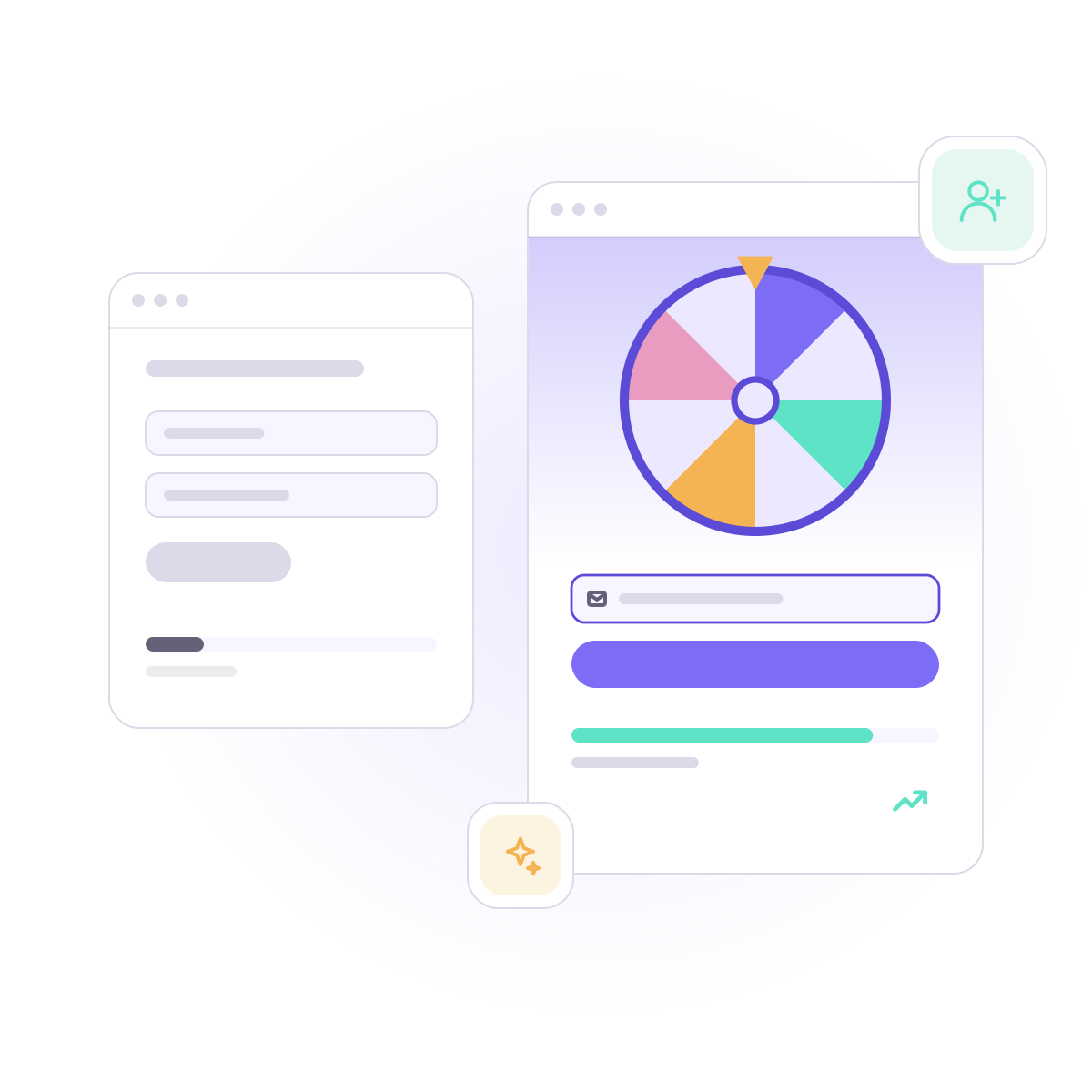
In ActiveCampaign, go to Settings > Developer. Both are under API Access.
The key has the same rights as its user, so the user must be allowed to manage contacts, lists and tags. An admin user is the easiest.
If a tag is missing, Scratcher creates it as a contact tag. It's a good idea to create the tags in ActiveCampaign first, so the names are exactly right.
Contacts are added to the list as active (subscribed). Choose your marketing checkbox as a filter, so only people who said yes are added.
You've probably heard of gamification, but how can you use it in your email marketing? Here are formats, examples and practical t…
Twelve ways to grow your email list with games, from pop-ups and QR codes to calendars and partner campaigns, plus how to handle …
A game gets people to say yes. The welcome flow turns that yes into a first purchase. Here is a 5-email flow you can build in Kla…
Make your first quiz or spin to win and send every player to ActiveCampaign with the right tags. Try it free for 14 days. No credit card required.
