



What Is Zero-Party Data? How to Collect It with Interactive Campaigns
Zero-party data is information people choose to share with you. Learn what it is, why consented data matters and seven practical …
Build your campaign
Share it anywhere
Get results
Industries
Bloomreach integration
Run a product finder, a quiz or a prize game with Scratcher. Everyone who signs up is created or updated as a customer in your Bloomreach Engagement project, identified by their email address.
Used by brands like Burger King, Toyota and WWF















Use cases
Ask shoppers what they are looking for. Map the answers to customer properties and use them in your Bloomreach segments and campaigns.
Choose a consent category, such as "newsletter". Scratcher records a consent event for each person you send, with the campaign as source.
Send a fixed value with the campaign name to a source property, and see which game each customer came from.
Setup
In Project settings > Access management > API, create a private API group and a key with access to customer properties and the consent event.
Paste the API base URL, the project token, the API key ID and the secret in Scratcher.
Activate it in the campaign, map your customer properties and choose a consent category.
Your data
The email address is always sent and is used to find the customer, so existing customers are updated instead of created twice.
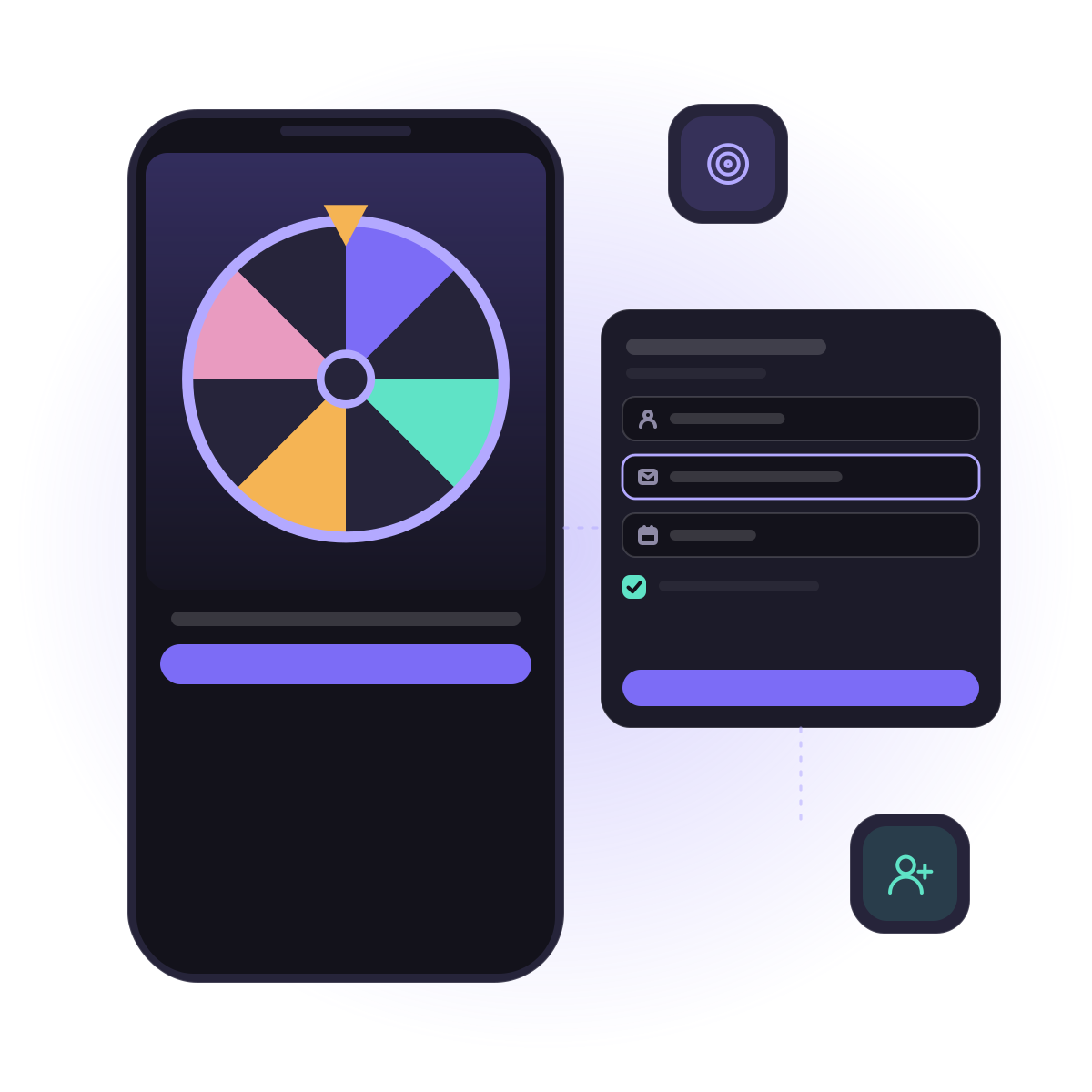
Formats that collect preferences you can segment on.
Segments
Bloomreach has no lists. Everyone goes into the project, and you group them with segments. Map a fixed value such as "Scratcher summer game" to a property you use for the source, and build segments on it.
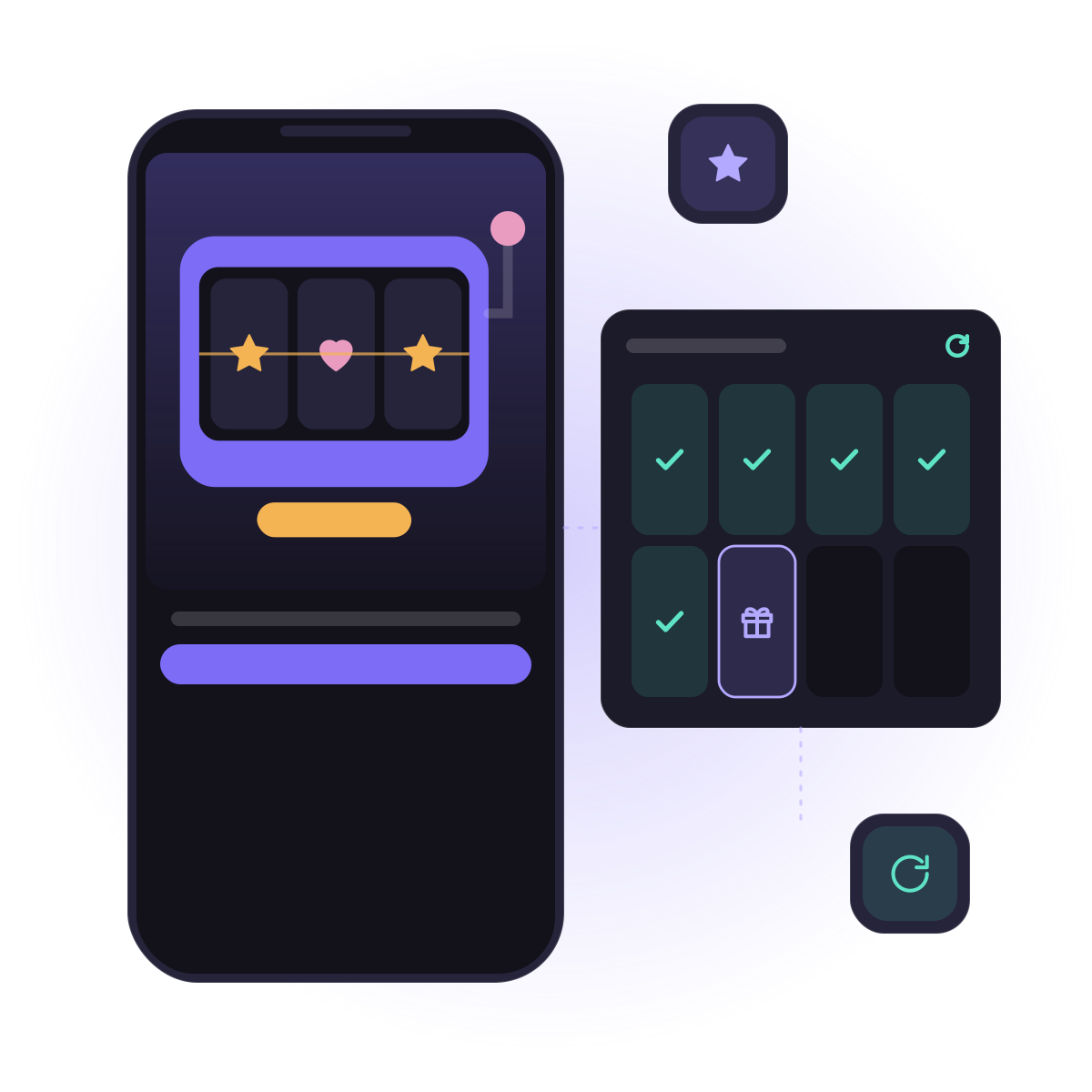
Customer properties: get and set. Events: set, for the consent event. Nothing else is needed.
No. Bloomreach has no lists, so Scratcher starts sending as soon as you activate the integration. Group people with segments in Bloomreach.
Scratcher records a consent event with the action accept and the campaign's name as the source. The consent category must exist in Bloomreach.
The consent category doesn't exist in Bloomreach, or it is spelled differently.
Zero-party data is information people choose to share with you. Learn what it is, why consented data matters and seven practical …
A step-by-step guide to building a product recommendation quiz that sells: questions, answer logic, product feed, sign-up and fol…
Points programs plateau. Learn how to add games, calendars and member-only campaigns to the loyalty club and CRM you already have…
Make your first product finder or prize game and send every player to Bloomreach. Try it free for 14 days. No credit card required.
