



B2B Gamification and Omnichannel Strategies for Lead Generation
How B2B marketers can combine gamification and omnichannel strategies to engage prospects across every touchpoint and generate mo…
Build your campaign
Share it anywhere
Get results
Industries
HubSpot integration
Run a quiz, a survey or a prize game with Scratcher. Everyone who signs up is created as a contact in HubSpot, or updated if the email address already exists, with the properties you choose.
Used by brands like Burger King, Toyota and WWF













Use cases
Let visitors answer a few questions on a tablet or their phone. Each answer can go to a HubSpot contact property your sales team already filters on.
Map the consent text, date and yes or no to contact properties, so the record shows exactly what the person agreed to and when.
Send a fixed value per campaign to your lead source property, and see in HubSpot which game brought in which contacts.
Setup
Click Install integration in Scratcher and approve the access in HubSpot. No API key needed.
Match your form fields, quiz answers and consent to HubSpot contact properties, including your own custom properties.
Activate HubSpot in the campaign and send a test contact. New sign-ups arrive within a minute or two.
Your data
Scratcher only works with contacts. It doesn't read or change deals, companies, emails or anything else.
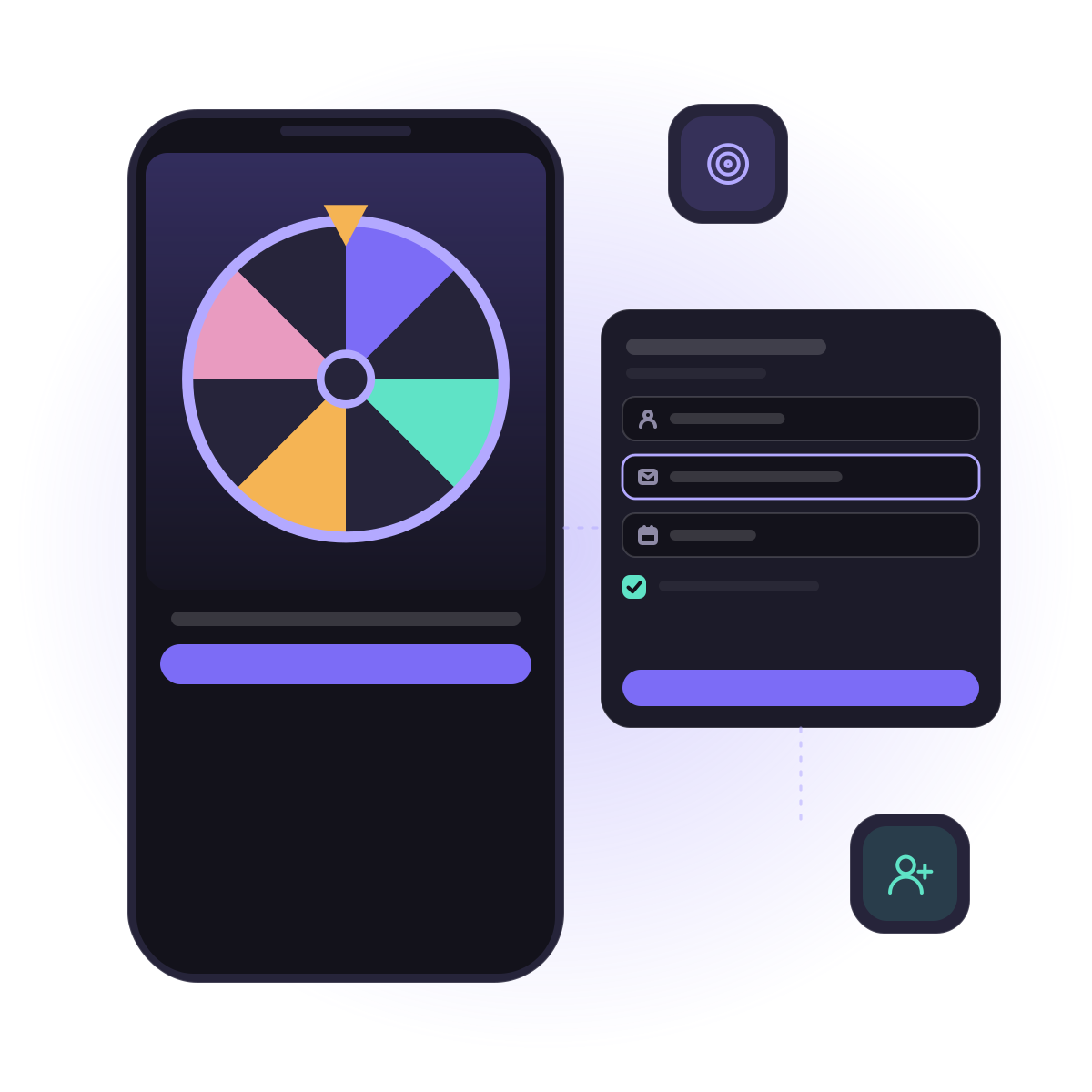
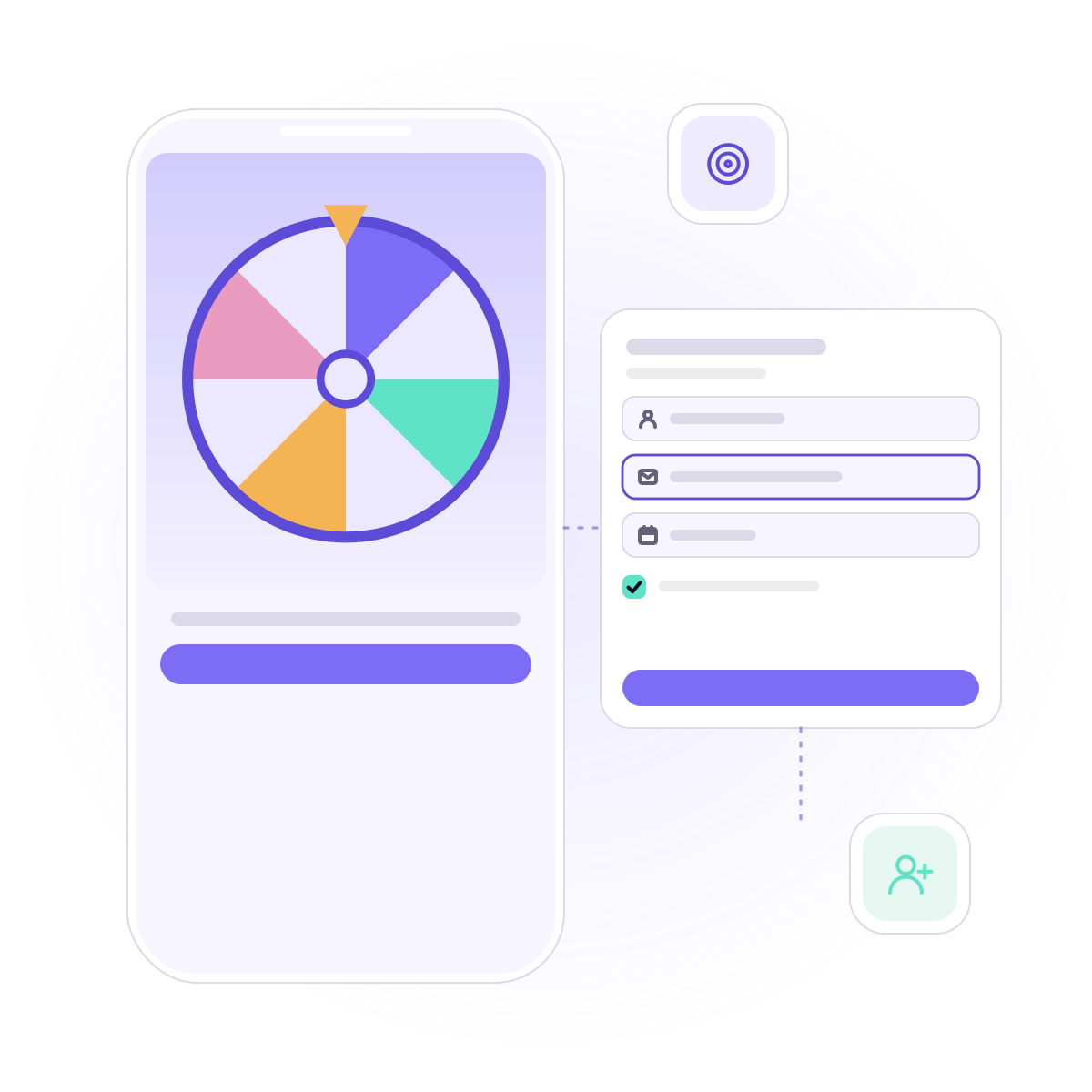
Formats that collect the answers your marketing and sales teams use.
Lists and workflows
Map a fixed value, such as "Scratcher summer game", to a property you use for lead source. Then build a list or workflow in HubSpot on that property.
Yes. All HubSpot editions work. On the Scratcher side, HubSpot needs a plan that includes all native integrations. See pricing.
A HubSpot Super Admin, or a user with the App Marketplace access permission. In Scratcher, Owners, Admins and Managers can set up integrations.
No. HubSpot doesn't get a subscription or marketing status from Scratcher. Send only people who agreed, or map the consent fields to properties.
No. There is no list to choose, so Scratcher starts sending as soon as you activate HubSpot. Set up the mappings before the campaign goes live.
On Enterprise plans we can build a custom integration with your systems. Book a meeting to talk about it.
How B2B marketers can combine gamification and omnichannel strategies to engage prospects across every touchpoint and generate mo…
Zero-party data is information people choose to share with you. Learn what it is, why consented data matters and seven practical …
People no longer hand over data without a reason. Learn how quizzes, swipe games and personality tests make data enrichment fun f…
Make your first quiz or prize game and turn every sign-up into a HubSpot contact. Try it free for 14 days. No credit card required.
