



Klaviyo Popups vs Gamified Popups: What Each Can Do
Klaviyo signup forms are great for simple offers. Here is when a gamified popup adds value, and how to send game answers and priz…
Build your campaign
Share it anywhere
Get results
Industries
Klaviyo integration
Run a spin to win pop-up, a scratch card or a quiz with Scratcher. Everyone who signs up is added to the Klaviyo list you choose and subscribed to email marketing, ready for your welcome flow.
Used by brands like Burger King, Toyota and WWF














Use cases
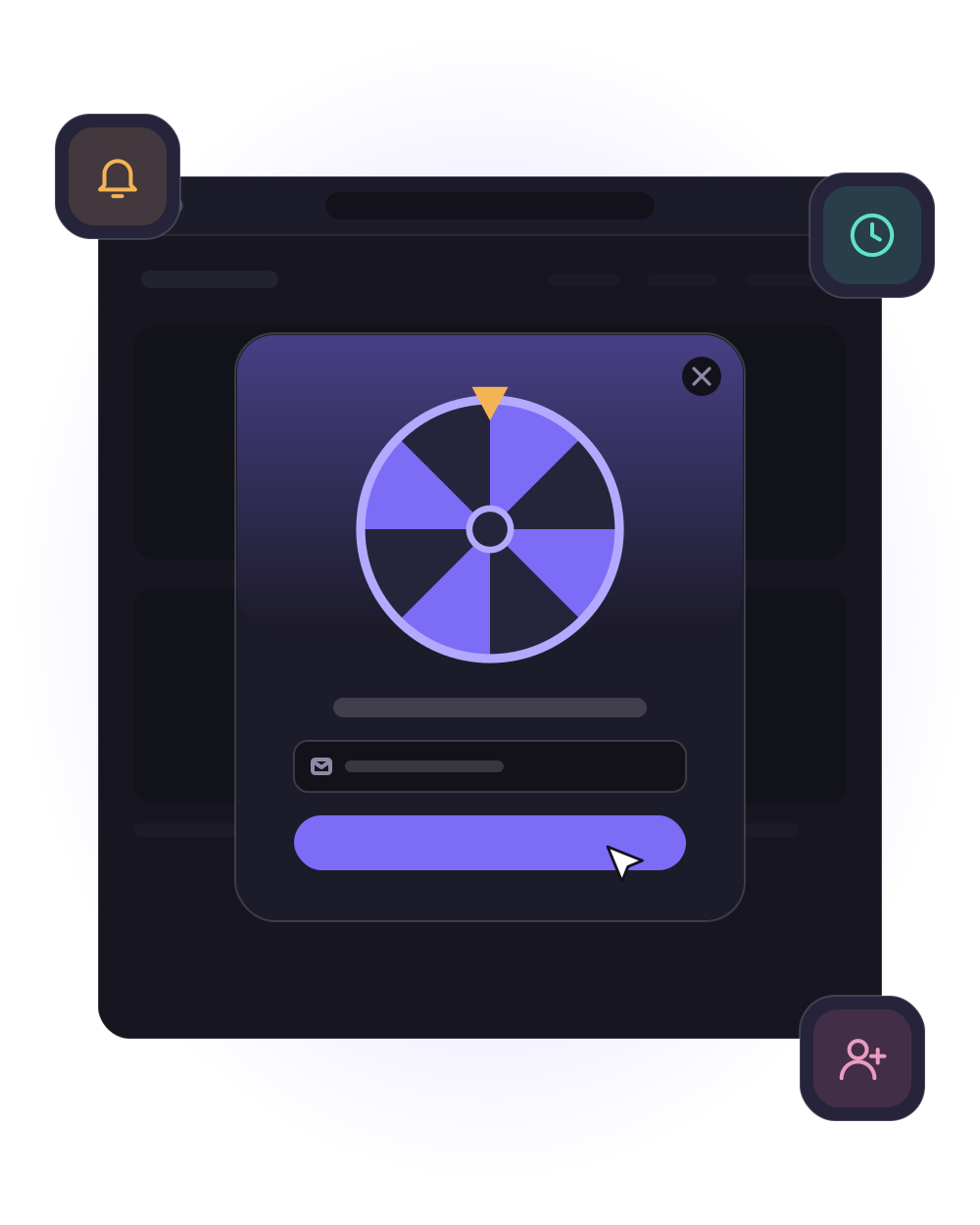
Show a wheel as a pop-up on your webshop. The visitor enters an email to spin, and the profile lands in the Klaviyo list you picked for that campaign.
Map the prize name and coupon code to custom properties on the profile. The code is then on the profile, ready to use in your Klaviyo emails.
Send the answers from a product finder or quiz as profile properties, for example "favourite_product", and build Klaviyo segments on them.
Setup
Click the setup link in Scratcher. Klaviyo opens with the right scopes already selected: lists, profiles and subscriptions.
Paste the key under Settings > Integrations in Scratcher. Scratcher checks that it can read your lists.
Choose the Klaviyo list, add extra fields and pick your consent checkbox. New sign-ups arrive within a minute or two.
Your data
Each sign-up becomes a Klaviyo profile, or updates the profile that is already there.
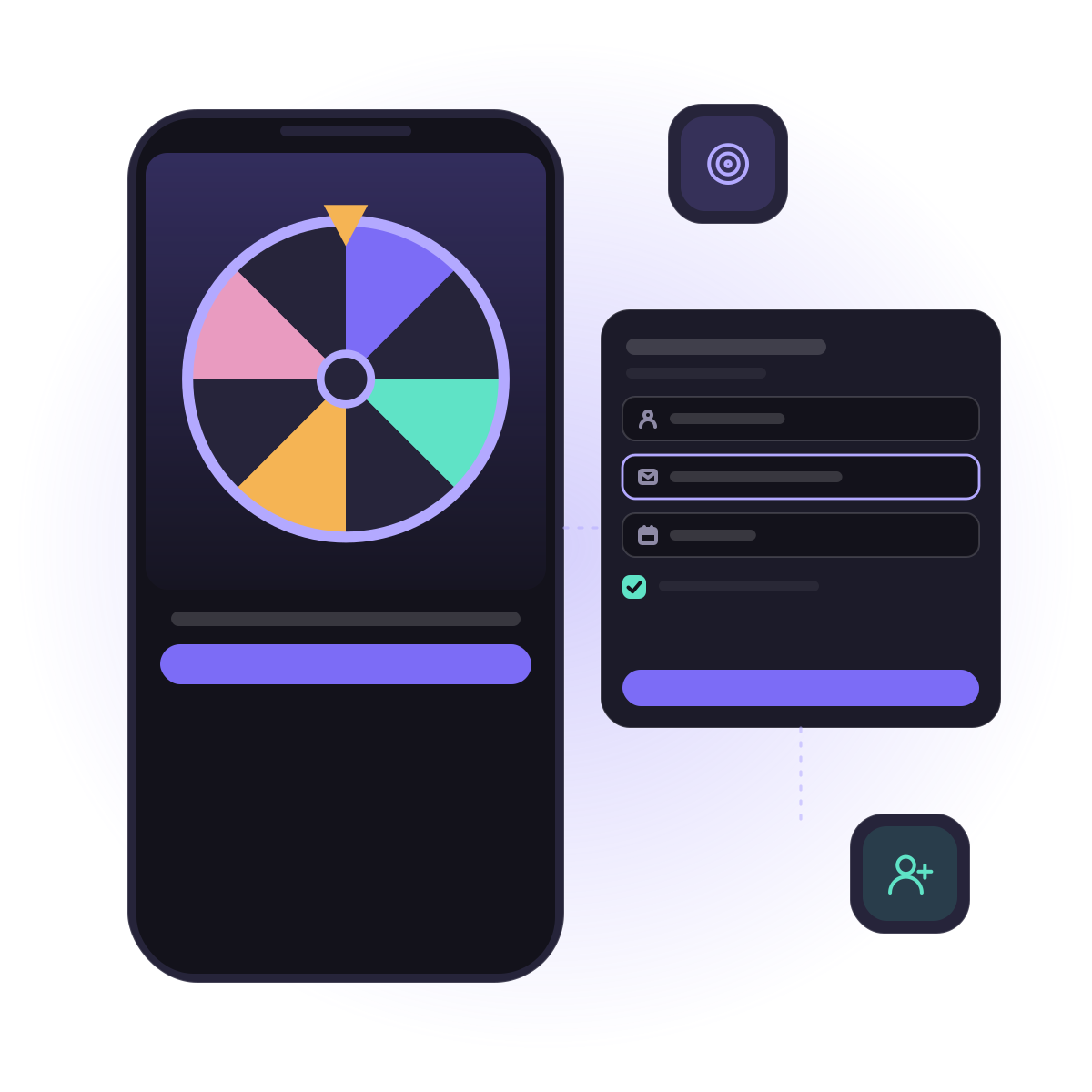
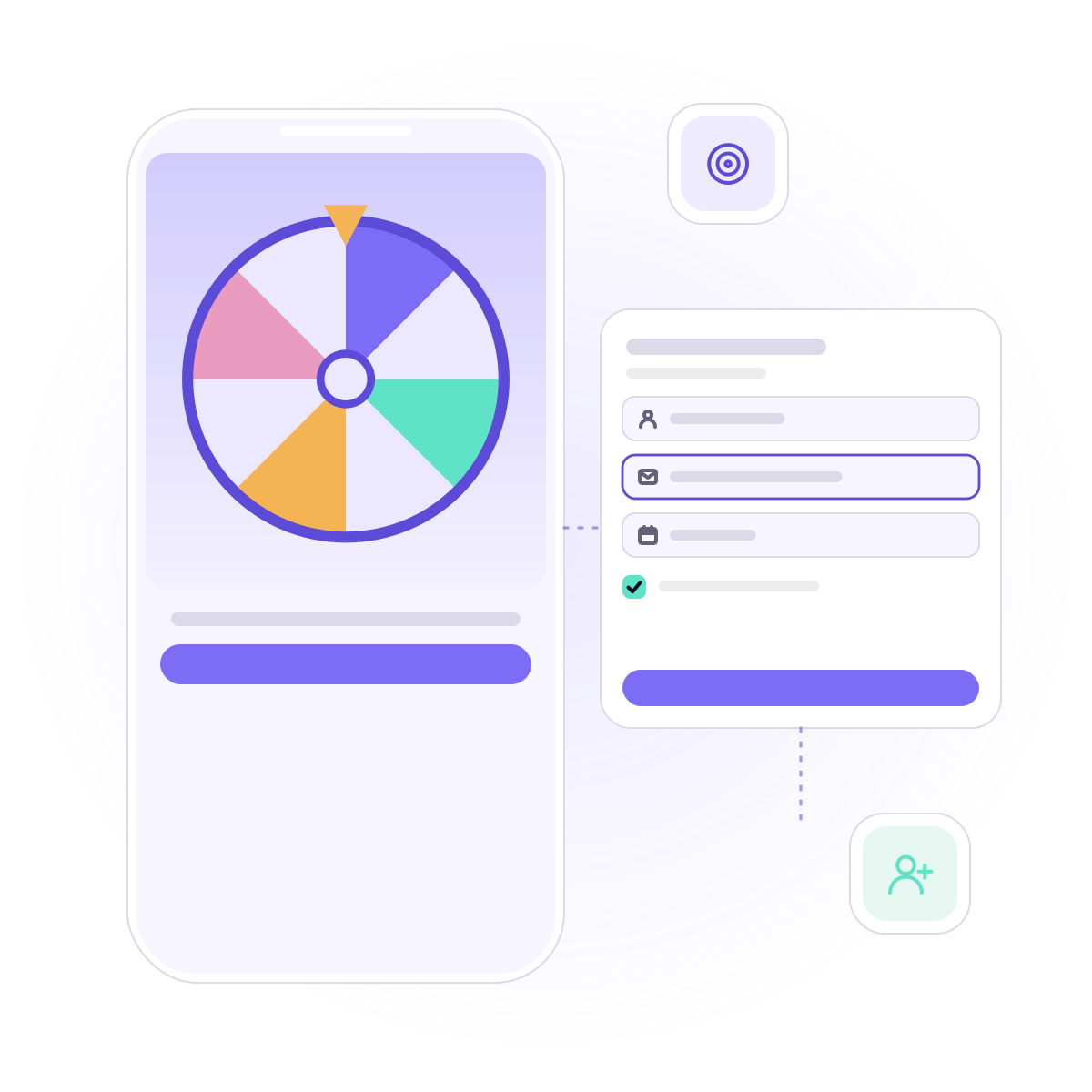
Popular formats for webshops that want to grow their Klaviyo list.
Consent
Klaviyo subscribes everyone Scratcher sends to email marketing. Choose your marketing checkbox as a filter, and only people who ticked it are sent. If your Klaviyo list uses double opt-in, Klaviyo sends its own confirmation email first.
No. The free Klaviyo plan works. On the Scratcher side, integrations are part of the paid plans. See pricing.
Read and write access to Lists and Profiles, and write access to Subscriptions. All other scopes can stay at No Access. The setup link in Scratcher selects them for you.
Yes. People are added to the list you choose, so you can start a welcome flow in Klaviyo when someone is added to that list.
Their Klaviyo profile is updated with the newest data. New sign-ups are sent within a minute or two.
Klaviyo only accepts phone numbers with + and country code. Add a country selector to the phone field on your form.
Klaviyo signup forms are great for simple offers. Here is when a gamified popup adds value, and how to send game answers and priz…
A game gets people to say yes. The welcome flow turns that yes into a first purchase. Here is a 5-email flow you can build in Kla…
Easter is the first big retail moment of the year. Here's how to use Scratcher games with Shopify and Klaviyo to lift engagement …
Make your first spin to win or quiz and send every sign-up to Klaviyo. Try it free for 14 days. No credit card required.
