



How to Grow Your Email List with Gamification: 12 Tactics That Work
Twelve ways to grow your email list with games, from pop-ups and QR codes to calendars and partner campaigns, plus how to handle …
Build your campaign
Share it anywhere
Get results
Industries
Mailchimp integration
Run a quiz, a spin to win or a scratch card with Scratcher. Everyone who signs up is added to your Mailchimp audience, with the merge fields you choose.
Used by brands like Burger King, Toyota and WWF














Use cases
Build the quiz in Scratcher and send the answers to named quiz questions into merge fields, so you can segment your audience on them.
Open a new door each day and let people sign up once. New sign-ups join the audience as subscribed, ready for your December emails.
Pick a different audience per campaign, or connect a second Mailchimp account, for example one per country or brand.
Setup
Click Install integration in Scratcher and allow the access in Mailchimp. No API key needed.
Activate Mailchimp in the campaign and pick the audience people should join.
Match your fields to merge fields such as FNAME and LNAME, choose your consent checkbox and send a test.
Your data
New people are added to the audience as Subscribed. People who are already in the audience get their merge fields updated.

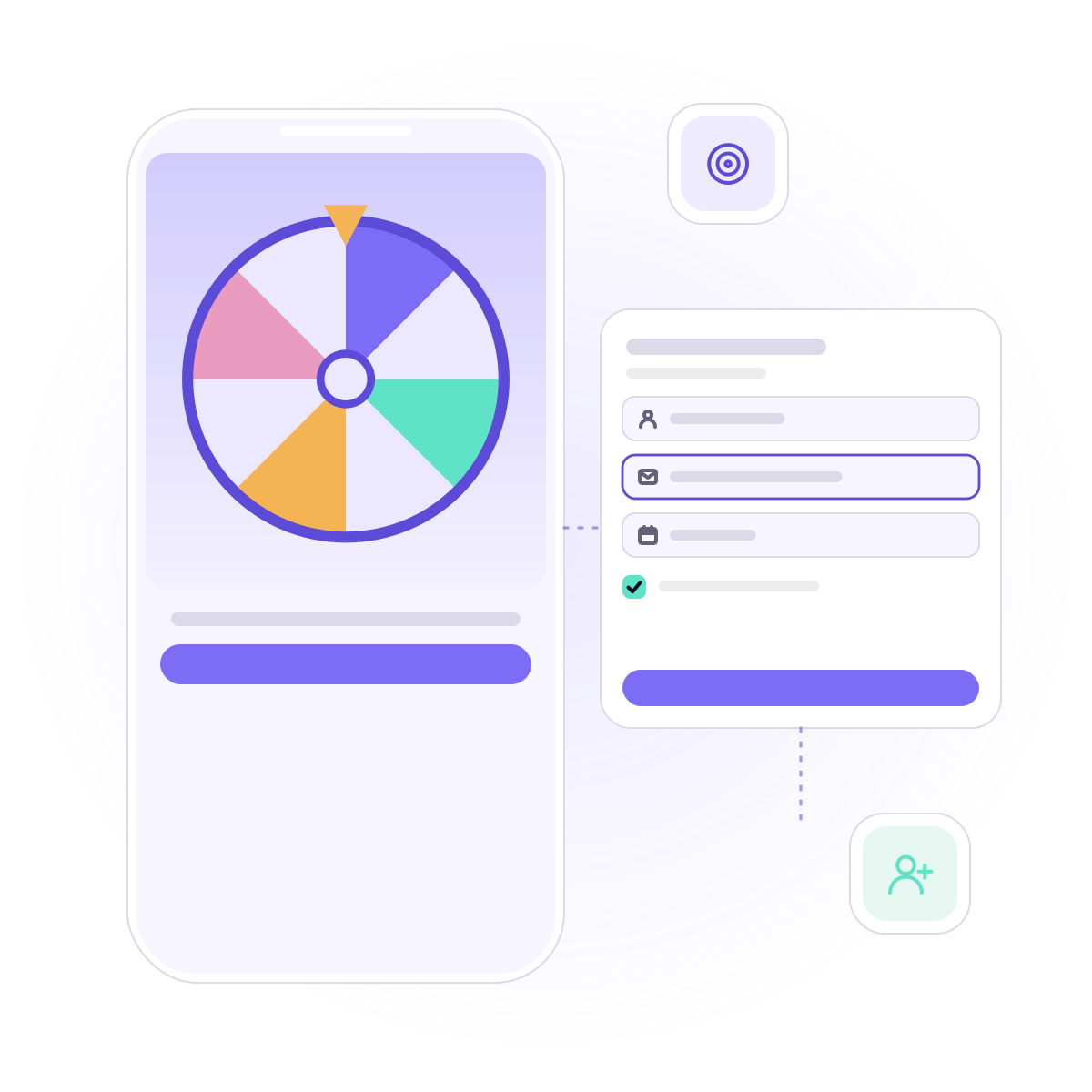
Formats that give people a reason to join your list.
Consent
New people are subscribed right away, so choose your marketing checkbox as a filter. With double opt-in in Scratcher, people confirm their address before they are sent to Mailchimp.
Yes. All Mailchimp plans work. You need at least one audience and a Mailchimp login with admin access.
Any merge field in the audience you choose. Create missing merge fields in Mailchimp first. If a merge field is required in Mailchimp, you must map it.
Yes. Answers to named quiz questions are in the field mapping, so you can send them to a merge field.
They keep their status. Mailchimp doesn't allow adding people again through an integration after they unsubscribed or asked to be deleted.
Within a minute or two. When you activate the integration, the campaign's existing leads are sent too.
Twelve ways to grow your email list with games, from pop-ups and QR codes to calendars and partner campaigns, plus how to handle …
What double opt-in is, the pros and cons for your list, where to read more about the rules, and how to set it up after a game or …
15 email popup ideas, from gamified popups and quizzes to exit intent and content upgrades, plus best practices for timing, mobil…
Make your first quiz or spin to win and send every sign-up to Mailchimp. Try it free for 14 days. No credit card required.
