



Easter Gamification Marketing: Scaling Klaviyo & Shopify ROI
Easter is the first big retail moment of the year. Here's how to use Scratcher games with Shopify and Klaviyo to lift engagement …
Build your campaign
Share it anywhere
Get results
Industries
Shopify integration
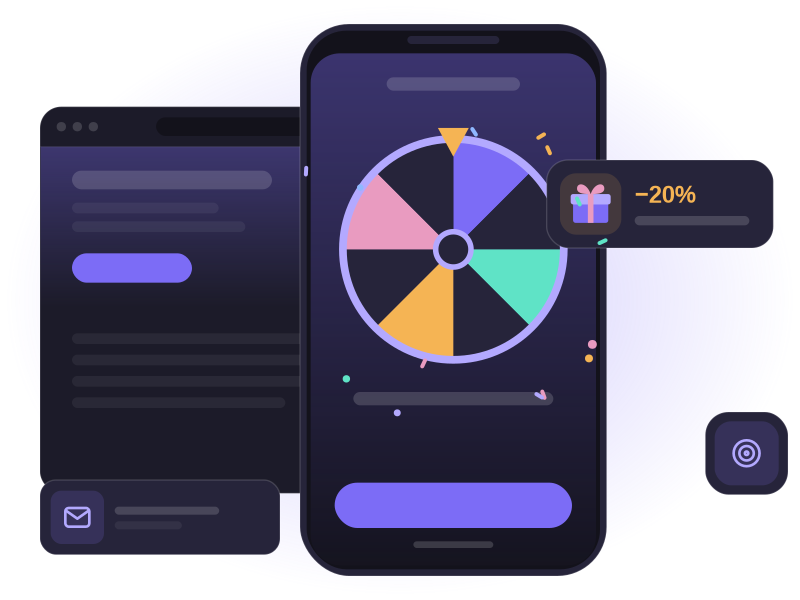
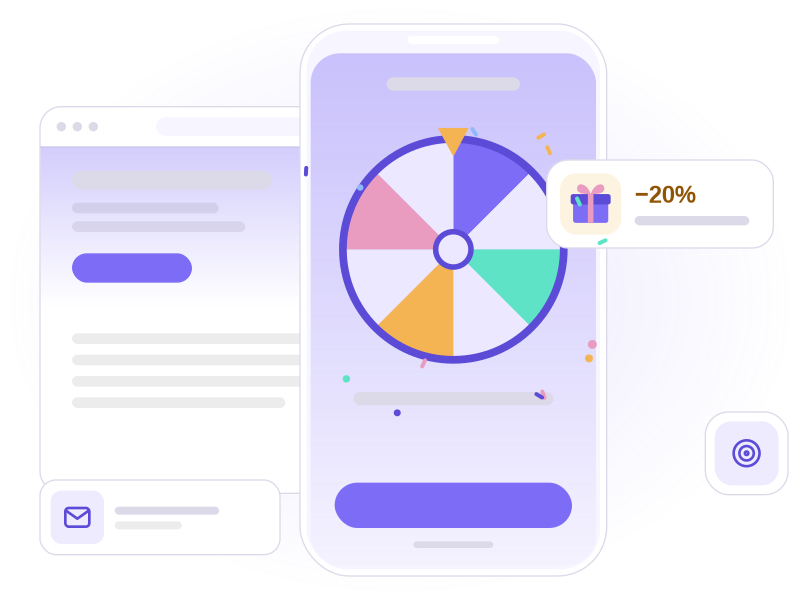
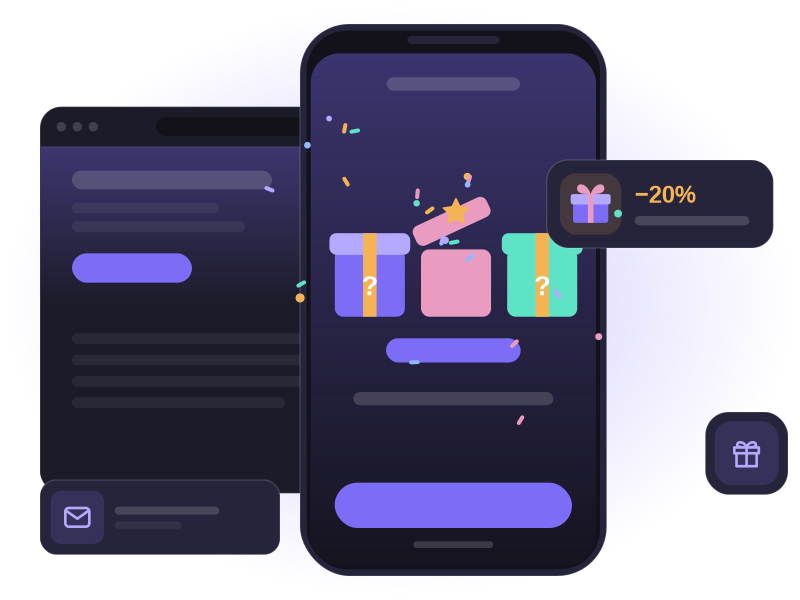
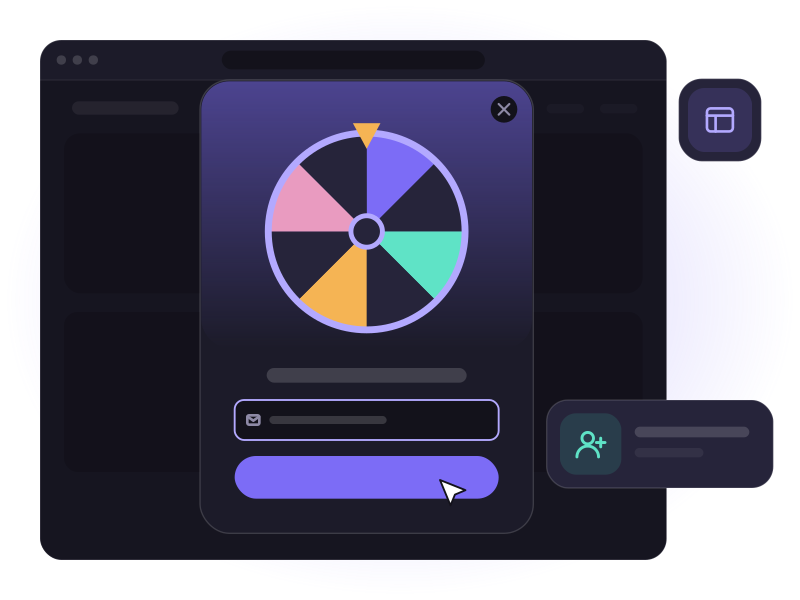
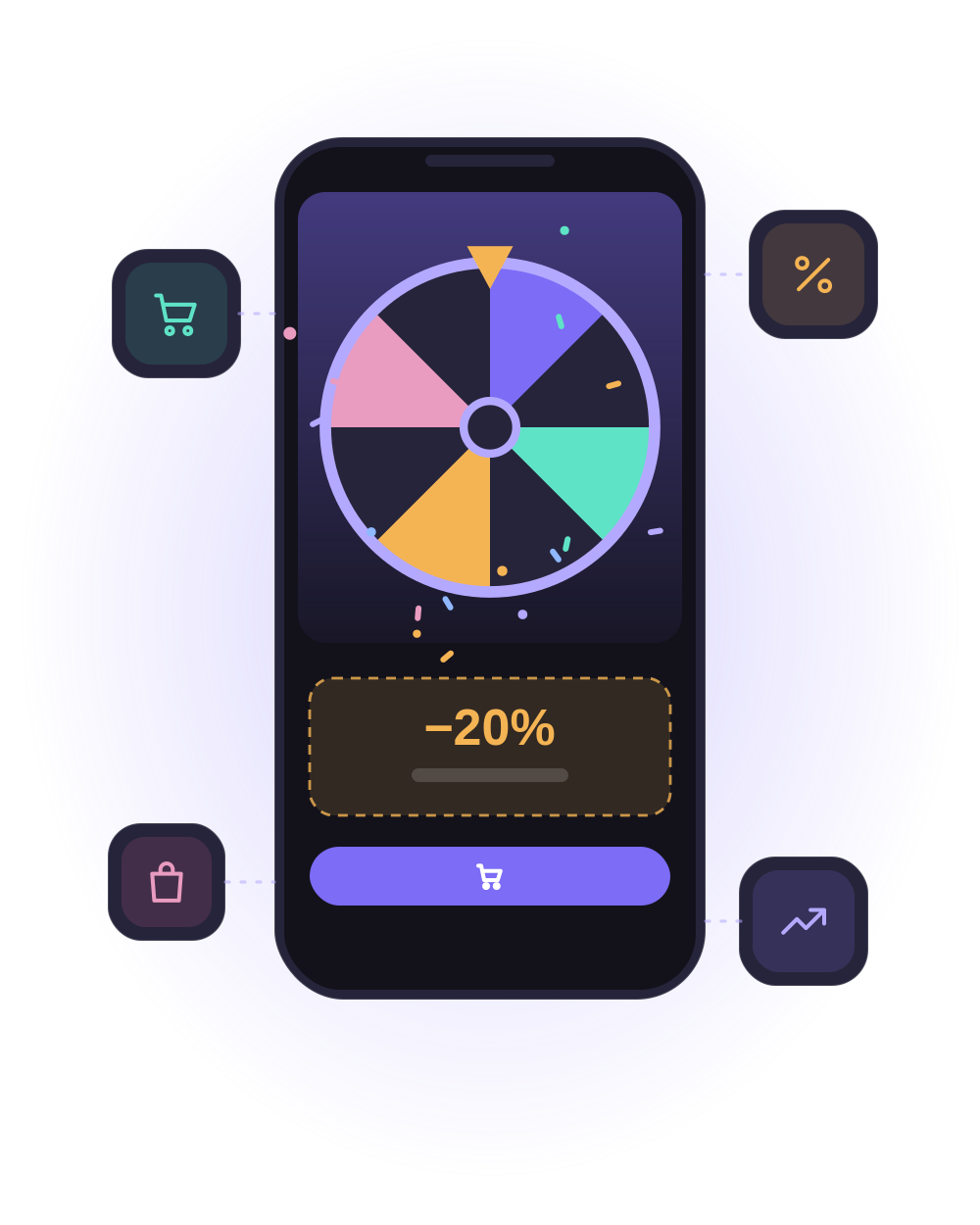
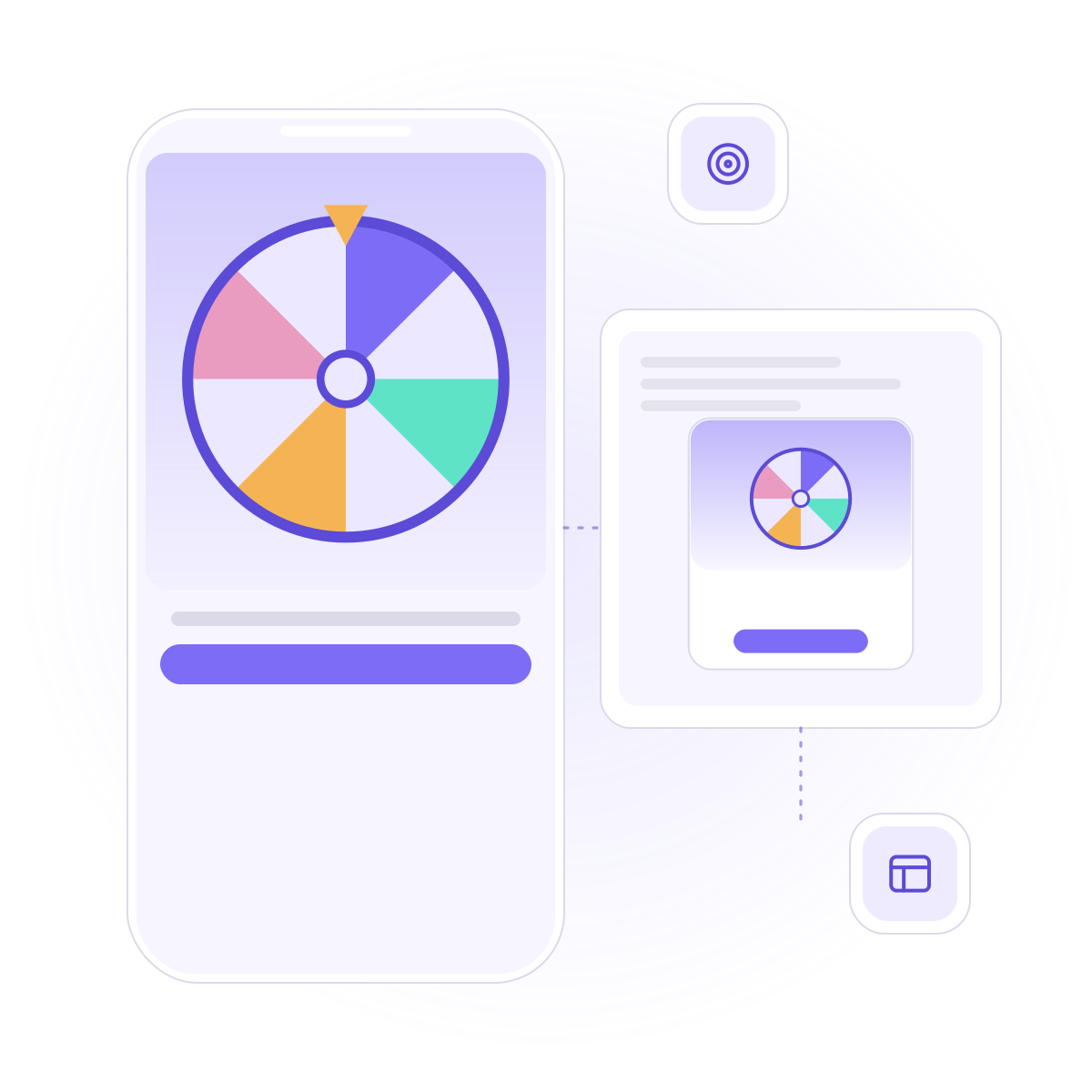
Give away discount codes with a spin to win or a scratch card. Scratcher shows you how many orders, how much revenue and how many new customers each campaign brought to your Shopify store.
Used by brands like Burger King, Toyota and WWF













Use cases
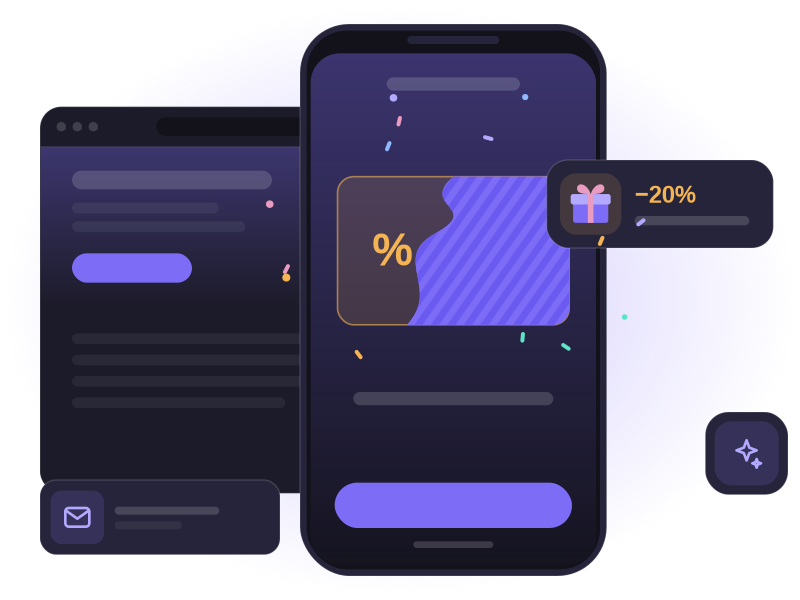
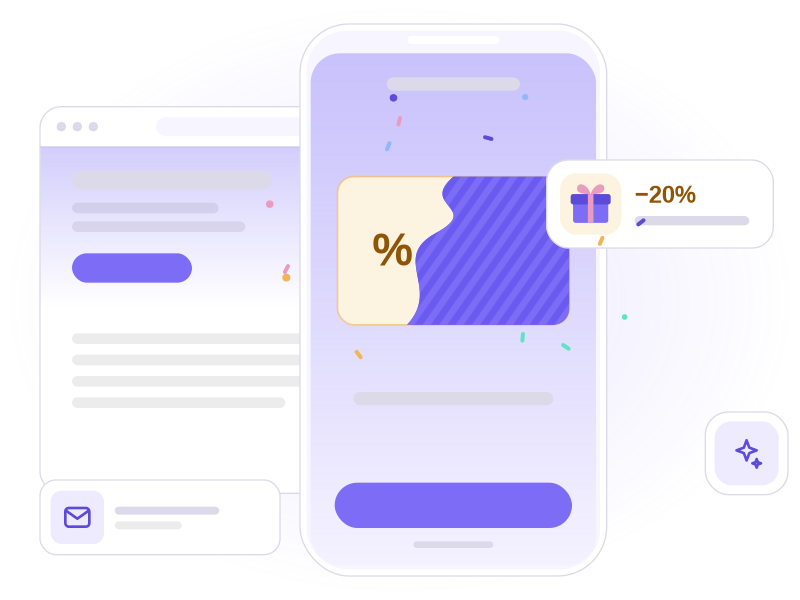
Upload a batch of unique Shopify codes to a scratch card or wheel prize. Every order that redeems one is counted for that campaign.
Point the buttons in your campaign to your shop with the ref value. Orders from those visits count too, with or without a code.
The dashboard splits out orders placed by customers who are new in your shop, so you see if a game brings in first-time buyers.
Setup
Type your .myshopify.com address in Scratcher, log in to Shopify and approve the access. No API key needed.
Upload your Shopify discount codes to a prize, or link to your shop with the campaign's ref value.
Open the Shopify dashboard in Scratcher to see order revenue, orders and new customers for the period you pick.
Your data
The Shopify integration works the other way round: it reads the orders in your store. There is nothing to turn on in each campaign.
Formats that hand out discount codes and bring shoppers back to your store.
Read only
Shopify asks you to approve access to read orders, customers, products and store languages, and to write discounts. Scratcher never changes your orders, customers or products.

Orders that used a discount code won in a Scratcher campaign, and orders from a link with the campaign's ref value. Other orders aren't counted.
Scratcher reads your orders once a day, at night, and adds the orders from the day before. Today's orders show tomorrow.
No. You type your store's .myshopify.com address, log in to Shopify and approve the access.
Create the codes in Shopify, save them as a CSV file and upload them to a prize as unique codes. See Give away discount codes.
Easter is the first big retail moment of the year. Here's how to use Scratcher games with Shopify and Klaviyo to lift engagement …
See how gamification and scarcity help brands turn Black Friday into more than a sale, with more sign-ups, loyalty members and co…
Ten low-budget giveaway ideas, a list of prizes that cost little, and why your giveaway should run on your own page so the sign-u…
Make your first spin to win or scratch card and see the orders it brings to your Shopify store. Try it free for 14 days. No credit card required.
