



Puzzle game for marketing: solve & win
Turn your best picture into a game. In the puzzle game, the image is cut into pieces, and players move them back into place to see the full picture. This online jigsaw puzzle keeps people focused on your product for longer — and ends with a nice reveal and a chance to win.
Used by brands like Burger King, Toyota and WWF
About the puzzle game
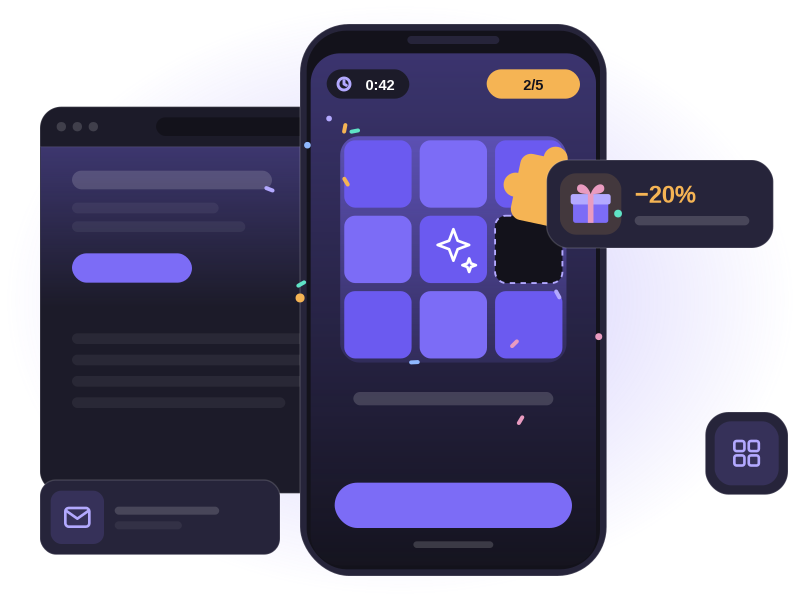
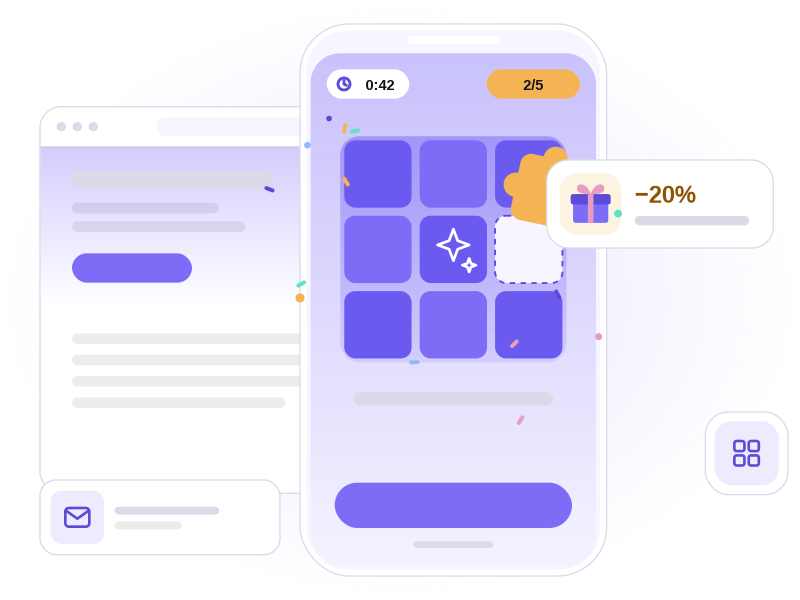
The puzzle game is a calm, focused skill game. You upload an image — a new product, a destination, a poster or a Christmas present — and Scratcher cuts it into pieces. Players swap the pieces around until they are in the right order. When the picture is complete, they see the full image and find out if they've won.
You choose the number of pieces, from 2 × 2 up to 6 × 6, so the puzzle can be quick on a phone or a bit harder for people who like a challenge. Add a timer or a maximum number of moves if you want to make it more exciting. Because people look at the picture the whole time, it's a great way to tease a launch or reveal a surprise.
- Your own image as the puzzle
- From 2 × 2 up to 6 × 6 pieces
- Add a timer or a limit on moves
- Show the full picture when it is solved
Harald Nyborg's puzzle game gave away a tool kit before the winter holidays
Customer case- unique visitors
- 200,000
- unique participants
- 38,000
- conversion rate
- 18%
Make your puzzle game in four simple steps
-
Create your account
Sign up for free in under a minute. No credit card, nothing to install.
-
Find a template
Pick a ready-made puzzle game template, or ask Rex, our AI assistant, to suggest one for your goal.
-
Design it with AI
Rex adds your logo, colors and fonts from your website and writes the texts. Adjust anything with drag and drop.
-
Share it
Publish it as a landing page, pop-up or embed, and let Rex write the posts for your social media.
How a puzzle game campaign works
A puzzle game starts with one picture. Scratcher cuts it into pieces and mixes them up. Players swap the pieces around until they are in the right places and the full picture appears. When it does, the game is solved, and players see the result.
In a campaign, people normally sign up before they play. They give their name and email, and perhaps a newsletter permission. Then they solve the puzzle. When they finish, they can win a prize right away, get a discount code or be entered into a draw. You choose what happens.
You also choose how hard it is. A puzzle with few pieces is quick and works well on a phone. More pieces, a timer or a limit on the number of moves make it harder. The picture, the colors and the texts all match your brand.
Why brands love the puzzle game
-
Reveal something new
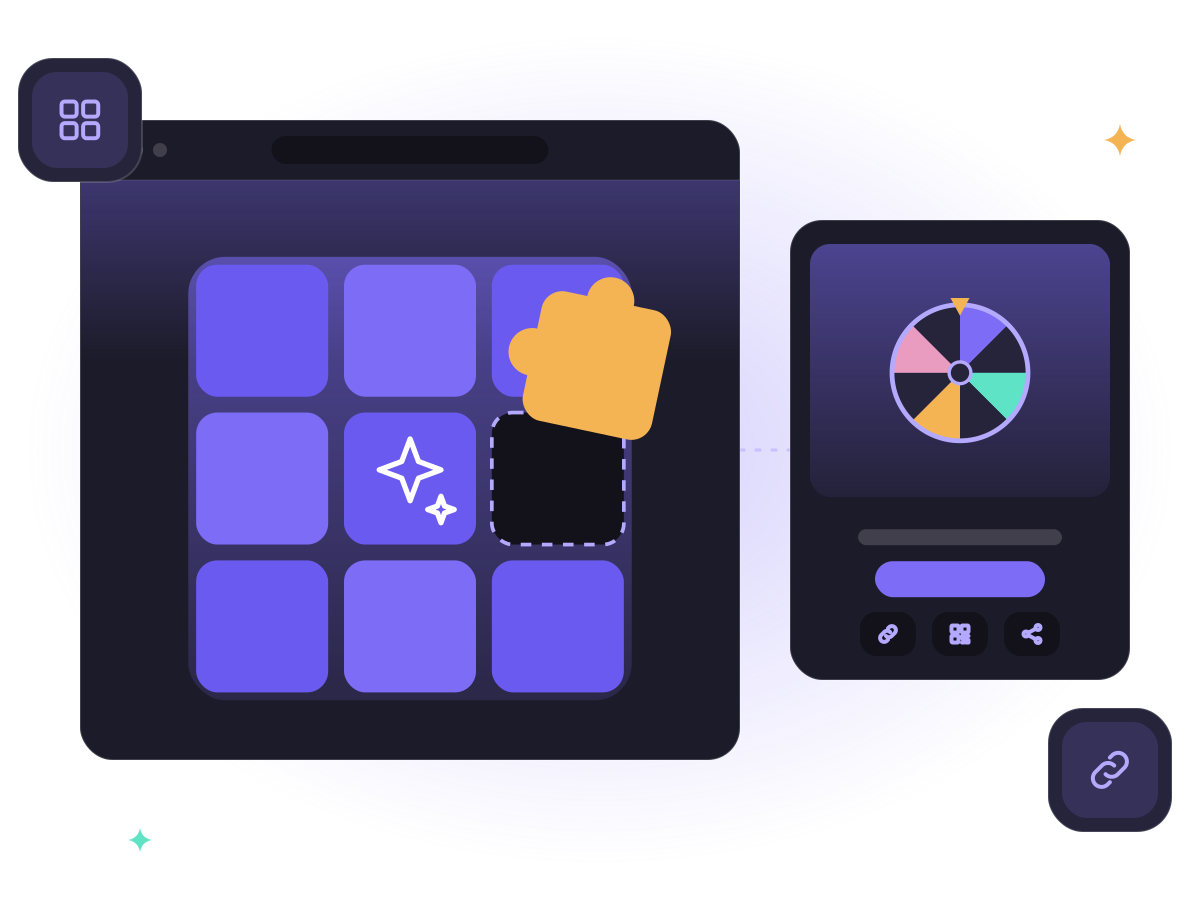
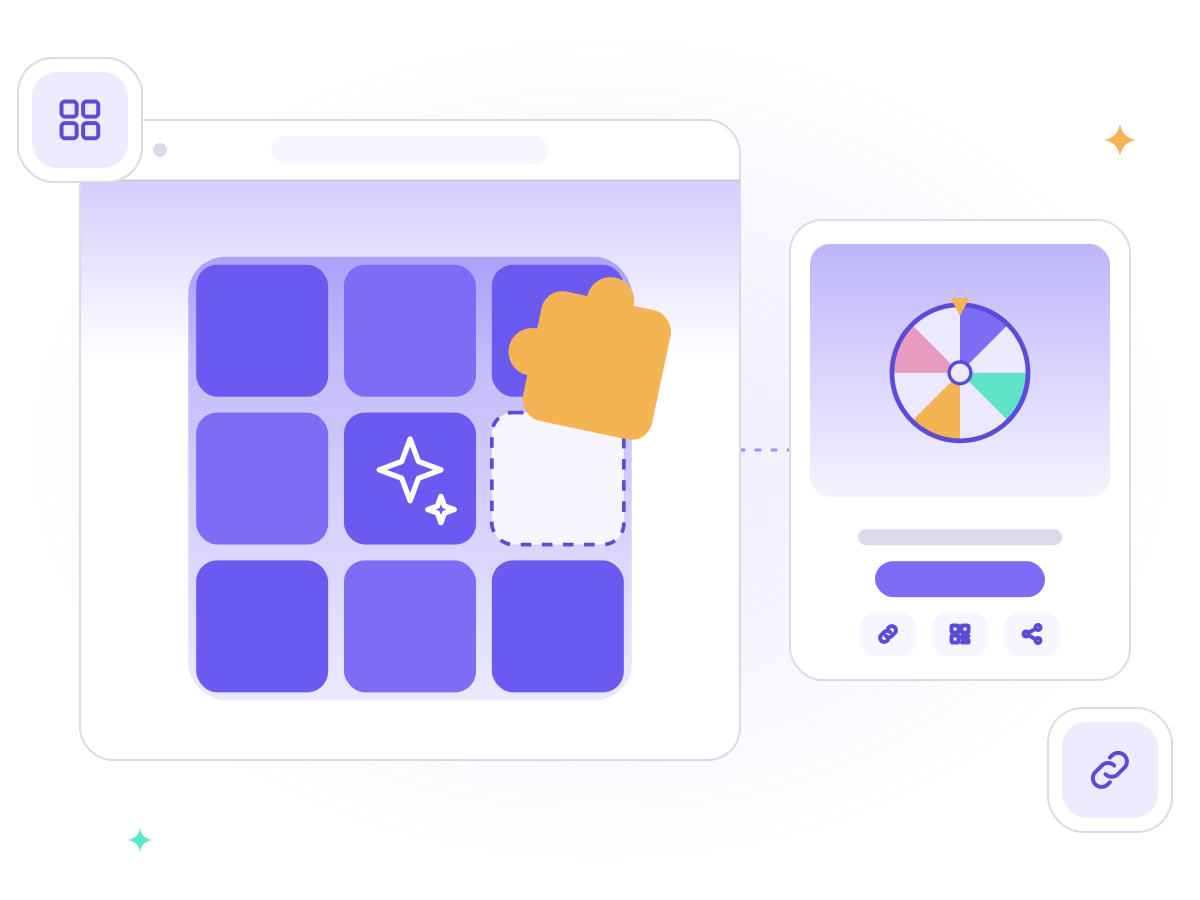
Hide a new product, a destination or a poster in the puzzle, and let people put it together.
-
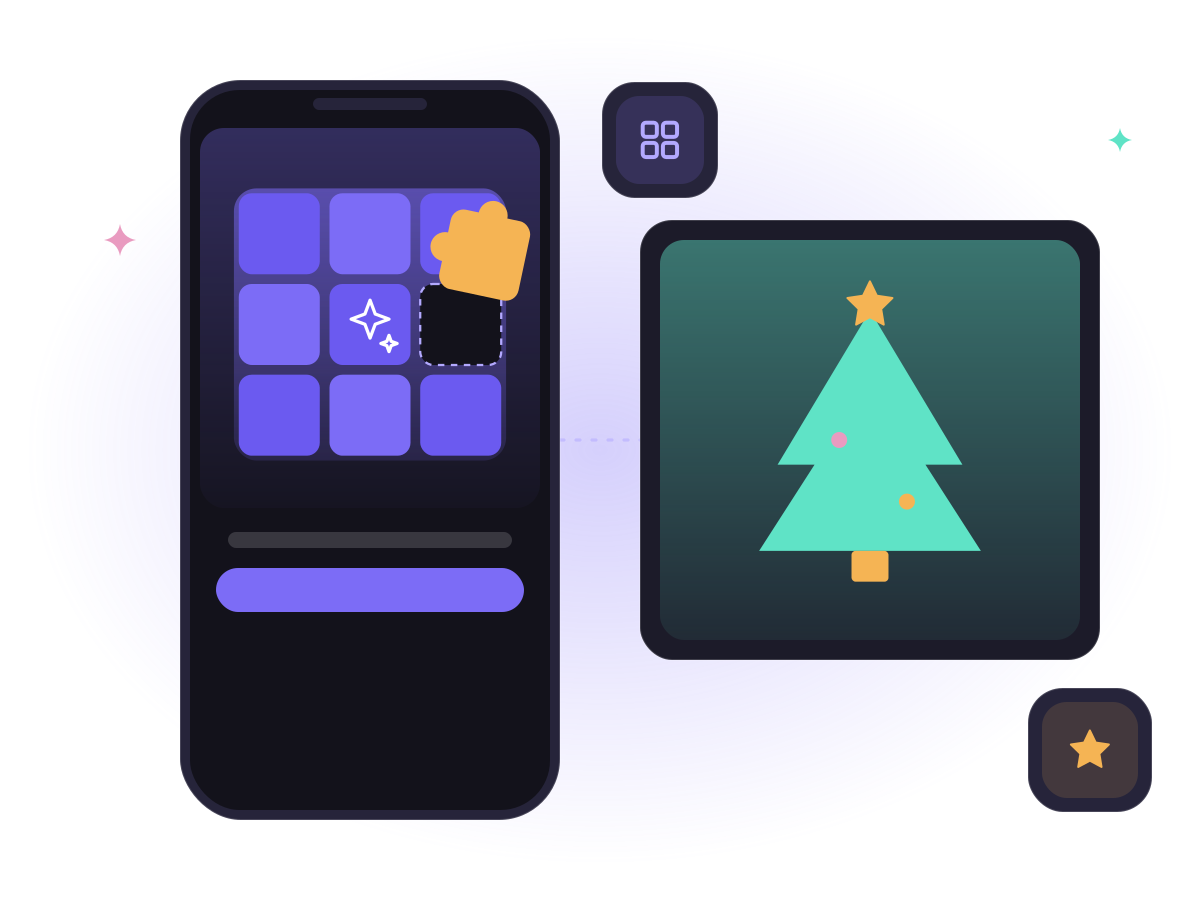
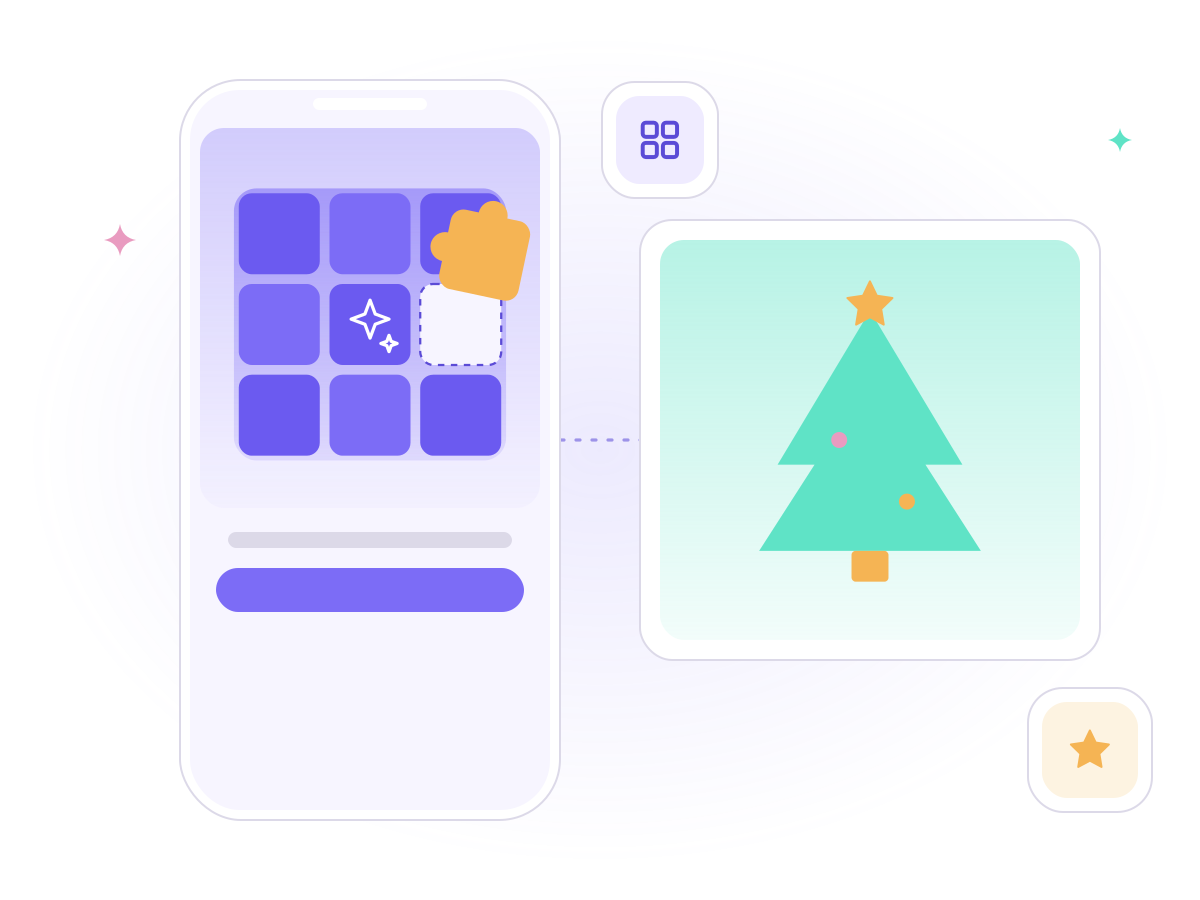
Perfect for Christmas
A puzzle makes a great door in a Christmas or advent calendar — a little challenge between the luck games.
-

Prizes people want
Give a discount code to everyone who solves it, or pick a winner of a big prize in a draw.
5 ideas for your puzzle game
The puzzle game keeps people busy for a little while, and they look closely at your picture the whole time. It is a good choice when you want to:
- Launch a product
- Build excitement
- Collect leads with a big prize
- Add variety to a calendar
Retail, DIY, travel, food and drink, entertainment and events can all use it well.
-
Unlock the discount
Solve the puzzle to reveal a unique discount code for the seasonal sale.
-
Find the new product
The finished picture shows your launch. Give out free samples to the winners.
-
Dream destination
A travel brand hides a beach or a city in the puzzle and gives away a trip in a draw.
-
Movie or line-up reveal
Fans solve the puzzle to see a poster or the next artist before anyone else.
-
Christmas present
A wrapped gift in red and gold, with a prize for everyone who finishes.
Tips for a puzzle game that converts
Small choices make a big difference. Here’s what works across thousands of campaigns.

-
Pick a picture that is easy to recognise
A puzzle is only fun if people can tell where the pieces go.
- Use a picture with clear shapes and strong colors.
- Avoid large areas of the same color, like a white sky.
- Put the picture on the start page or in your newsletter first, so people already know what they are building.
-
Match the number of pieces to the screen
On a phone, fewer pieces work best. A 3 × 3 puzzle is quick and still satisfying. If most of your players use a computer, you can make it bigger. Not sure? Start small. It is better that everybody finishes and feels clever than that half of your players give up and never see the full picture or the prize.
-
Make the reveal part of the story
The moment the picture is complete is the best part of the game. Use it. Show the full image with a short text, a link to the product or a clear message about the prize.
-
Ask for sign-ups before the game
People are most curious before they start. Put a short form first, and only ask for what you need. Read more about lead generation with games.
-
Use prizes that fit the effort
A puzzle takes a little more work than a scratch card, so make the reward worth it. A small prize for everyone who solves it, plus a bigger prize in a draw, works well. Scratcher can handle the prizes for you.
-
Share it where people have time
A puzzle is perfect for newsletters, social media and evenings on the sofa. Send it to your list, post it on social media, and show it as a pop-up on your website.
Like puzzles? Try the memory game for another calm challenge, or guess the word if your audience loves words.
How does an online puzzle game work?
Your picture is cut into pieces and mixed up. Players swap the pieces into place until the full picture appears, and then they see the result.
Can I decide how many people win?
Yes. You choose the prizes and how many there are. You can give a prize to everyone who solves the puzzle, add a timer, or pick winners in a draw.
Can I use my own image and brand?
Yes. Upload any picture as the puzzle, and add your logo, colors and texts. You can also start from a template and change it in the editor.
Where can I share my puzzle game?
On its own landing page, as a pop-up on your website or embedded on any page. You can also share it in newsletters, on social media or with a QR code.
Is the puzzle game GDPR-friendly?
Yes. You decide what you ask for in the form, add your own consent text and choose when the data is deleted. Scratcher is ISO 27001 certified.
Other similar game concepts
See all formats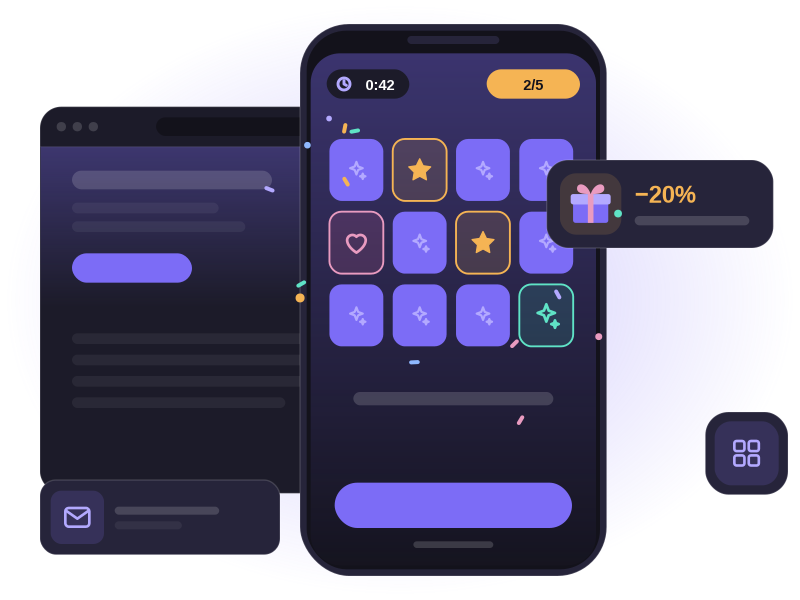
Make your first puzzle game today
Upload a picture, add your prizes and start collecting sign-ups. Try it free for 14 days — no credit card required.
